Robotic tool exchange
Confirm robot model, tool mass, center of gravity and utility requirements before selecting a changer path.
Automation Technology
Tool changer systems for flexible robot end-of-arm tooling and automated production changeover.
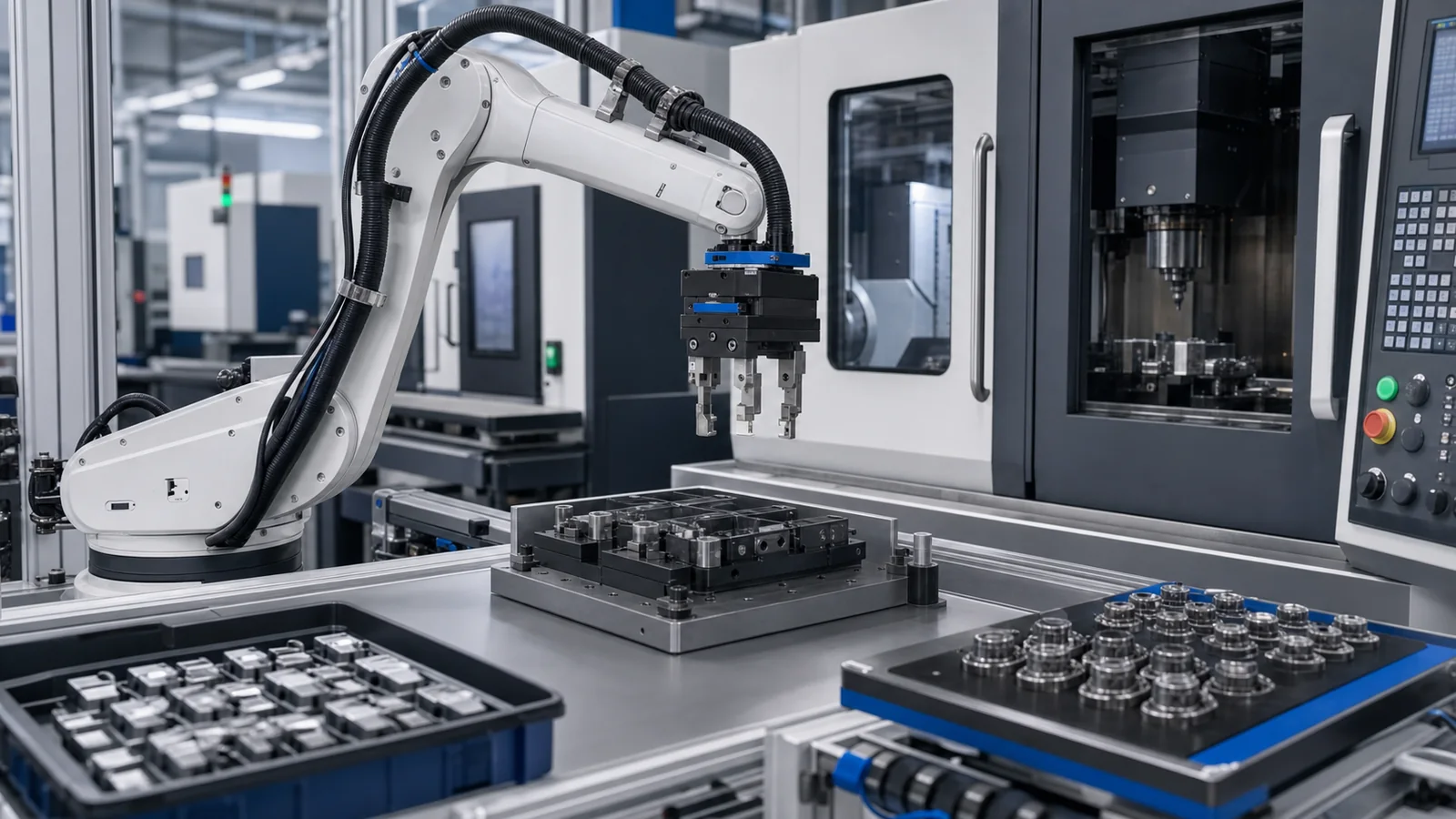
Engineering Overview
Tool changers support automation cells where one robot or handling system must switch between grippers, fixtures, process tools or application modules. Use this page to compare robot interface, utility and safety requirements before CAD or RFQ.
For model-level selection, share the application context, target model or drawing. GRANITY can then confirm the supported CAD, datasheet or quotation path for the project.
Application Visuals
Use these scenes to compare the production task, workpiece access and information needed before CAD, engineering support or quotation.
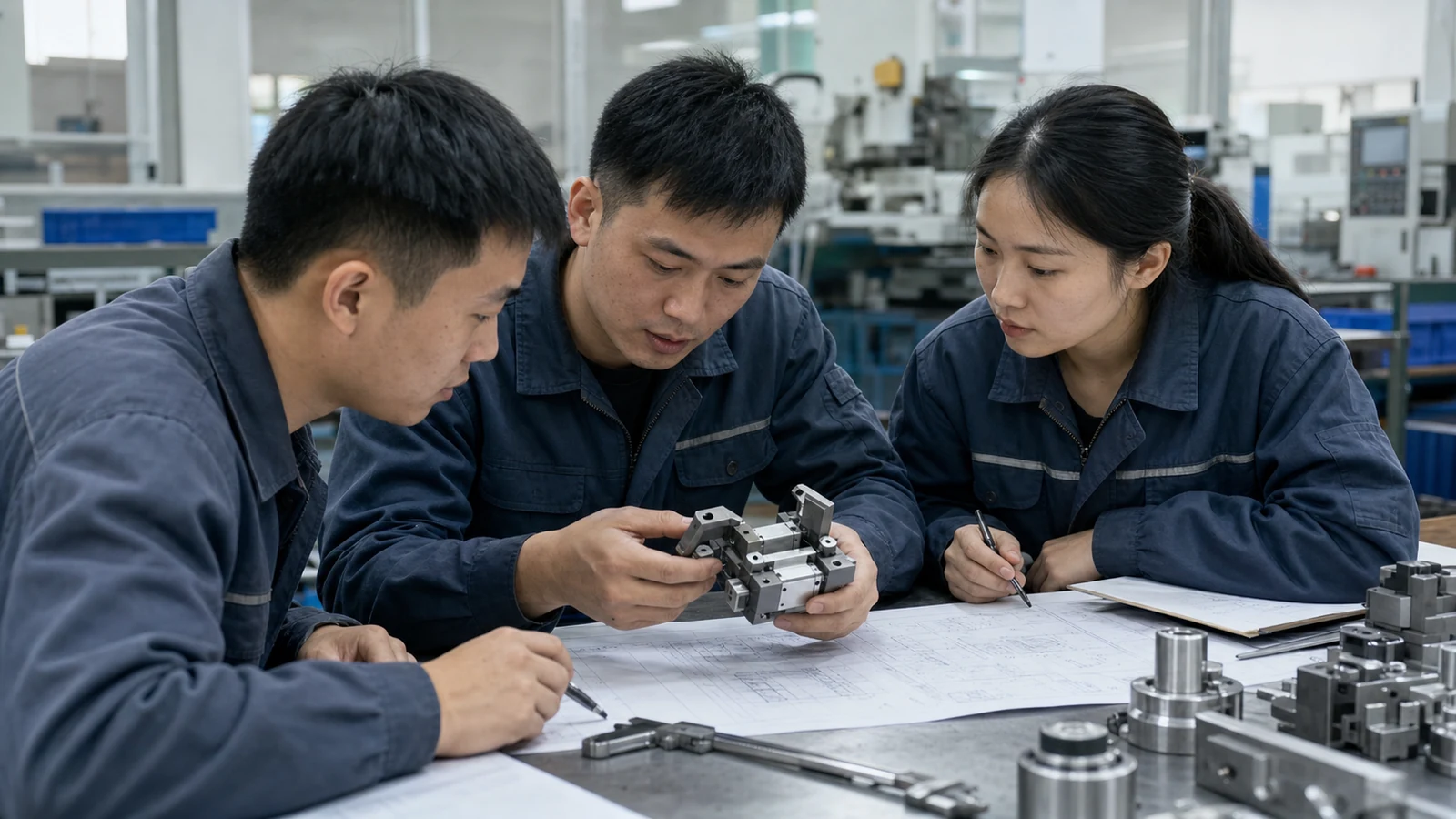
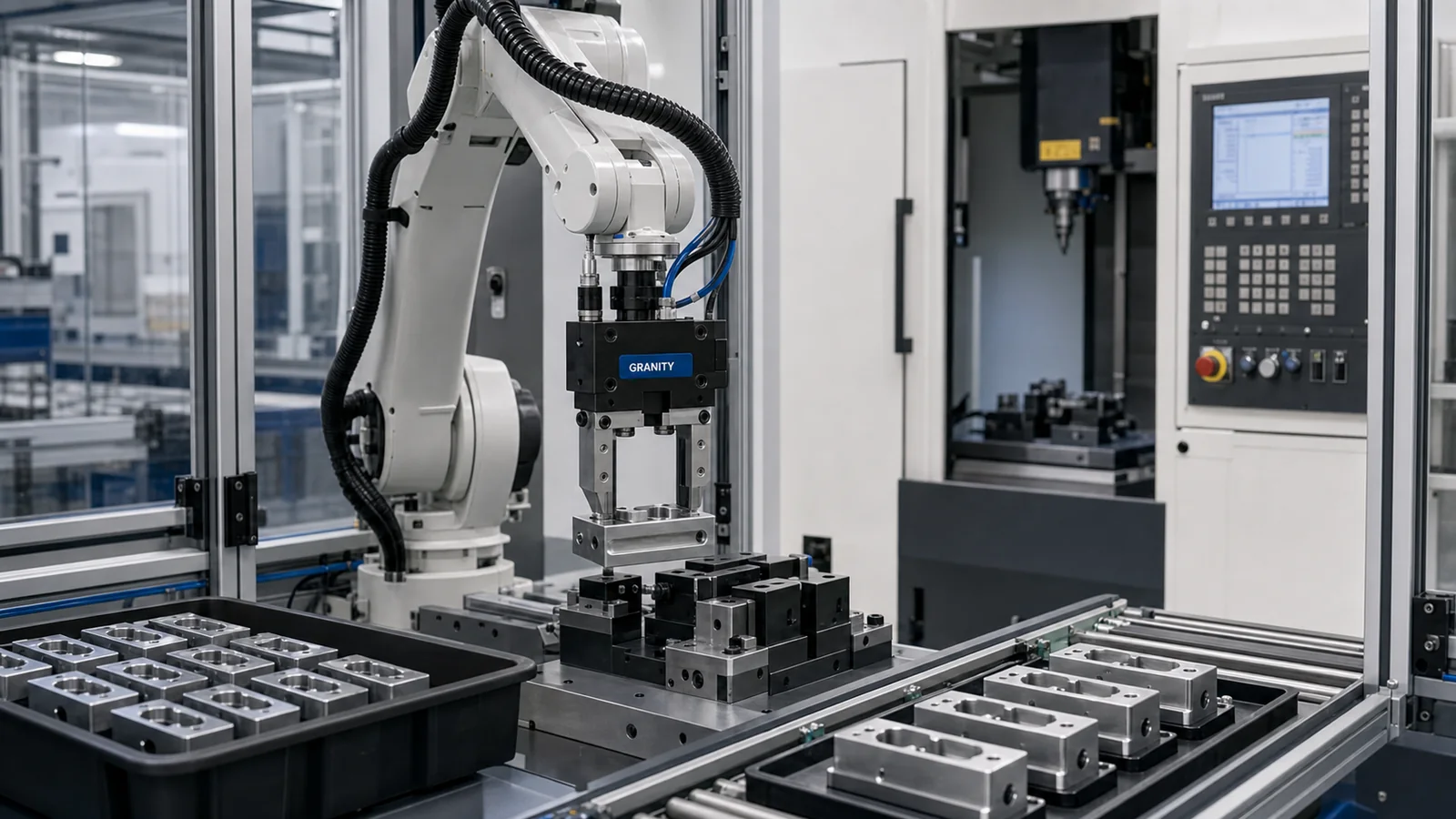
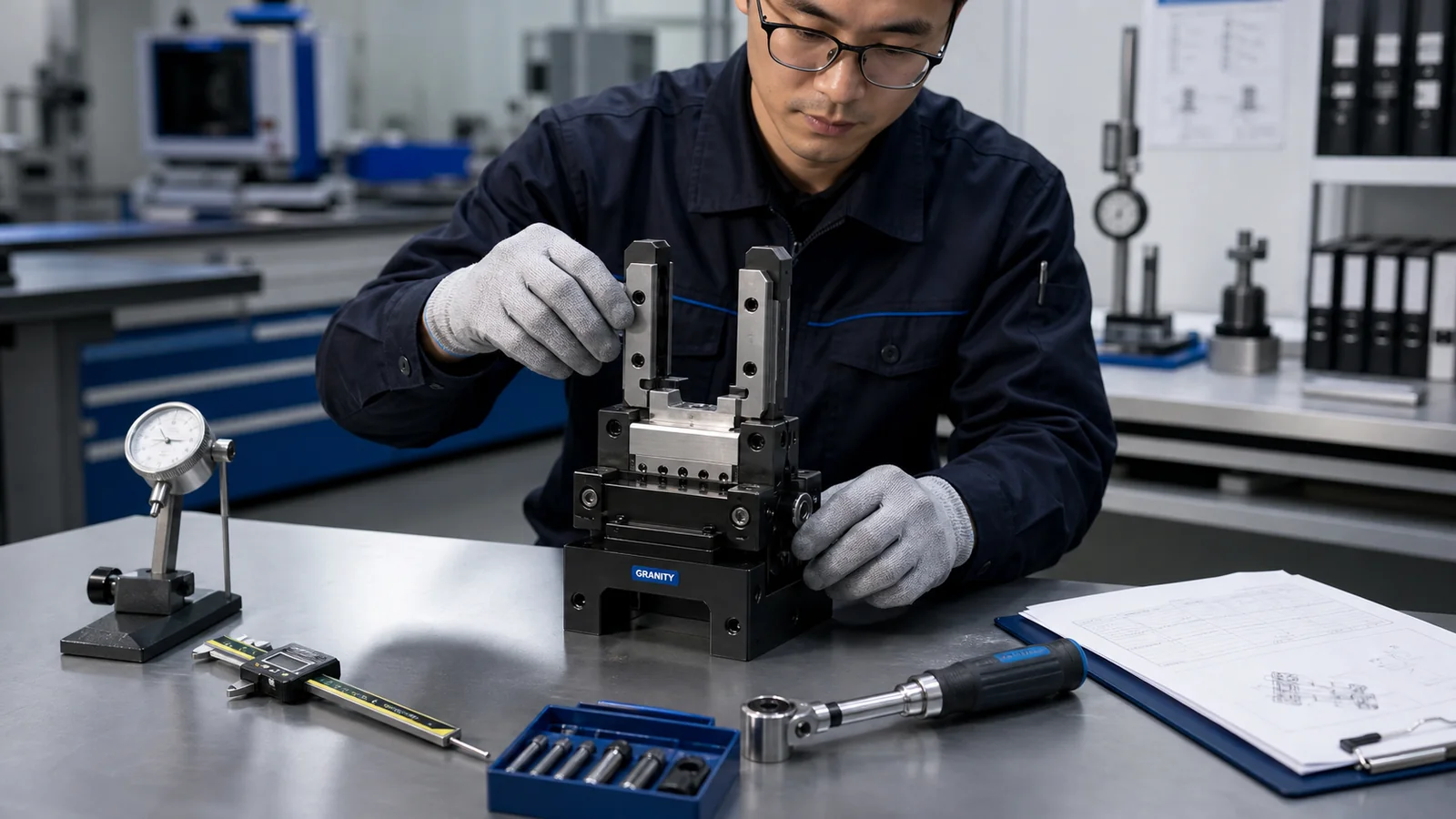
Typical Applications
Confirm robot model, tool mass, center of gravity and utility requirements before selecting a changer path.
Share the tool-side interface, pneumatic or electrical needs and robot reach so engineering can review the changeover concept.
Clarify how many grippers or tools must be exchanged and whether the cell requires manual or automatic changeover.
Use production mix, maintenance access and fixture sequence to decide whether tool change is the right automation strategy.
Provide cell layout and safety concept so locking, utilities and parking station requirements can be reviewed.
Key Advantages
Supports flexible tooling strategies where one robot must serve multiple production tasks.
Helps review robot interface, utility pass-through and tool-side adapter requirements together.
Helps integrators discuss change frequency, maintenance access and safety concept before RFQ.
Pairs CAD and datasheet requests with interface review so requested files match robot and tool-side requirements.
Product Range Overview
Robot-side candidates will be organized around robot interface, tool mass and utility needs as engineering data becomes available.
Tool-side candidates will be added only after adapter interface, locking and documentation status are verified.
Utility options will connect to pneumatic, electrical or signal requirements instead of generic catalog promises.
Manual and semi-automatic concepts will be added when the changeover workflow and documentation details are confirmed.
Detailed model data is currently under engineering review. Contact our engineering team for project support.
Selection Guide
Use tool changers when a robot, fixture station or production cell needs repeatable end-effector exchange.
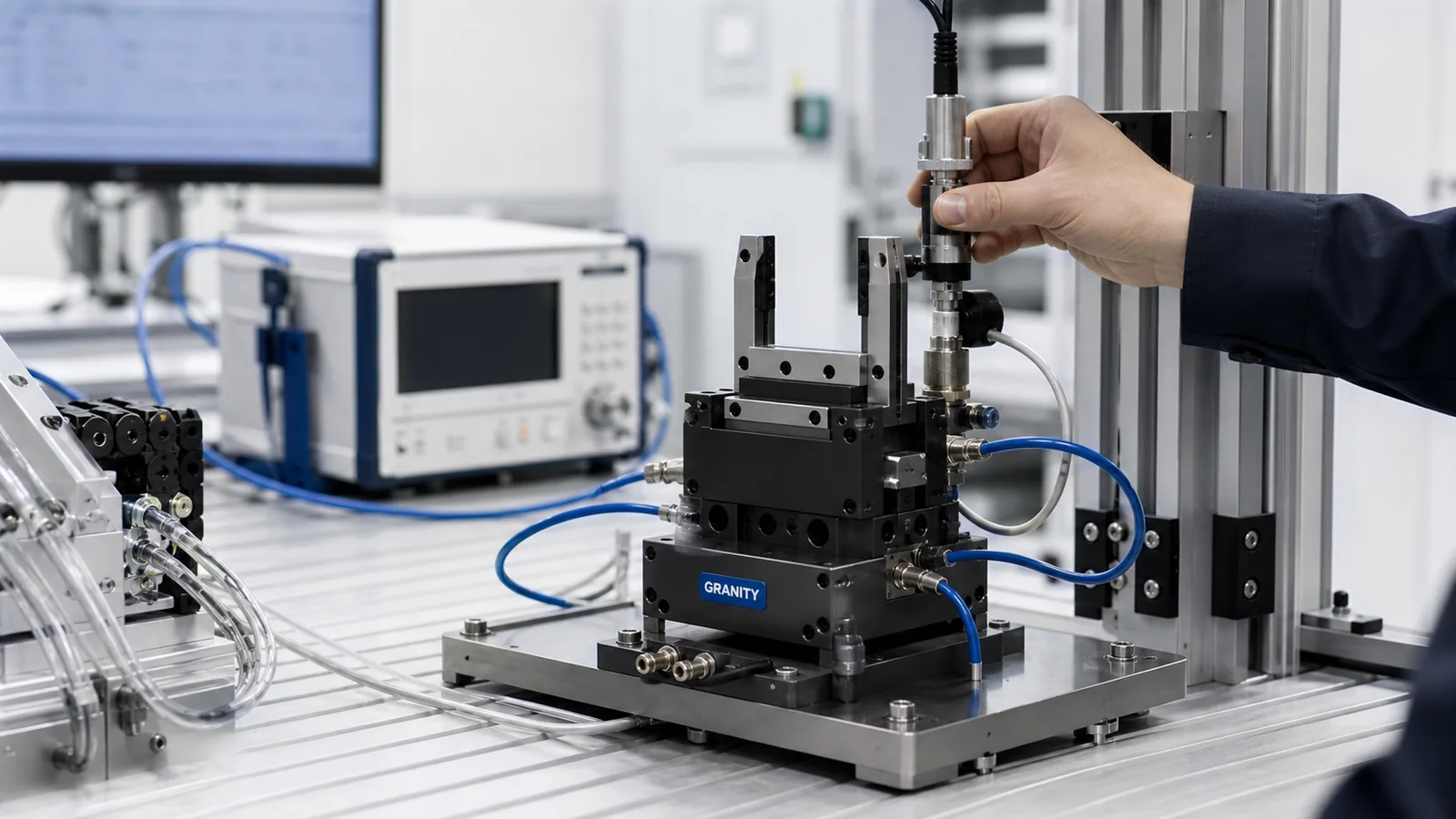
Share robot model, payload, moment load, wrist interface and operating orientation.
Confirm pneumatic or electrical pass-through needs, locking style and fail-safe expectations.
Include rack position, approach path, tool weight and available service clearance.
Related Industries
Useful for flexible automation cells with multiple grippers, tools or product variants.
Relevant when automotive cells require tool changes between loading, handling or assembly operations.
Supports electronics or small-part automation where tool changeover protects cell flexibility.
A practical option for system integrators defining robot-side and tool-side standards.
Technical Resources
Review selection factors, application notes and engineering guidance before RFQ.
Open Technical CenterRequest CAD or datasheet support with product family and application details.
Request CAD or DatasheetSend drawings, application requirements, target models or product-family questions.
Contact EngineeringApplication Review
Share the working condition clearly so GRANITY can respond with the right product family, CAD path or RFQ support.
Project Support
CAD and Datasheets
CAD models, datasheets and detailed model information can be requested when the product family, file type and application details are clear.
FAQ
Yes. Send workpiece, machine, robot, fixture or target model information and GRANITY will connect you with engineering support.
For model-level selection, share the application context, target model or drawing. GRANITY can then confirm the supported CAD, datasheet or quotation path for the project.
Yes. CAD and datasheet requests are supported through engineering review. File availability depends on current product documentation status.
Yes. Submit application, quantity, country and timeline through the RFQ form so GRANITY can review the quotation request and required technical data.
Related Product Families
Use this adjacent family when the application changes direction, interface or workpiece geometry.
Review product familyReview this option when the same project may need a different motion, holding or tooling option.
Review product familyUse this option when engineering review may require a combined handling, automation or workholding concept.
Review product familyUse selection guides, application notes and FAQ resources before CAD or RFQ decisions.
Open Technical CenterShare your application details, target model, drawing or project timeline. GRANITY can review the fit and respond with CAD, engineering support or quotation guidance.