Technical Center
Engineering guidance for product selection and support.
Start with the application. Use workpiece, machine and process details to find product guidance, CAD support, engineering help or a quote request.
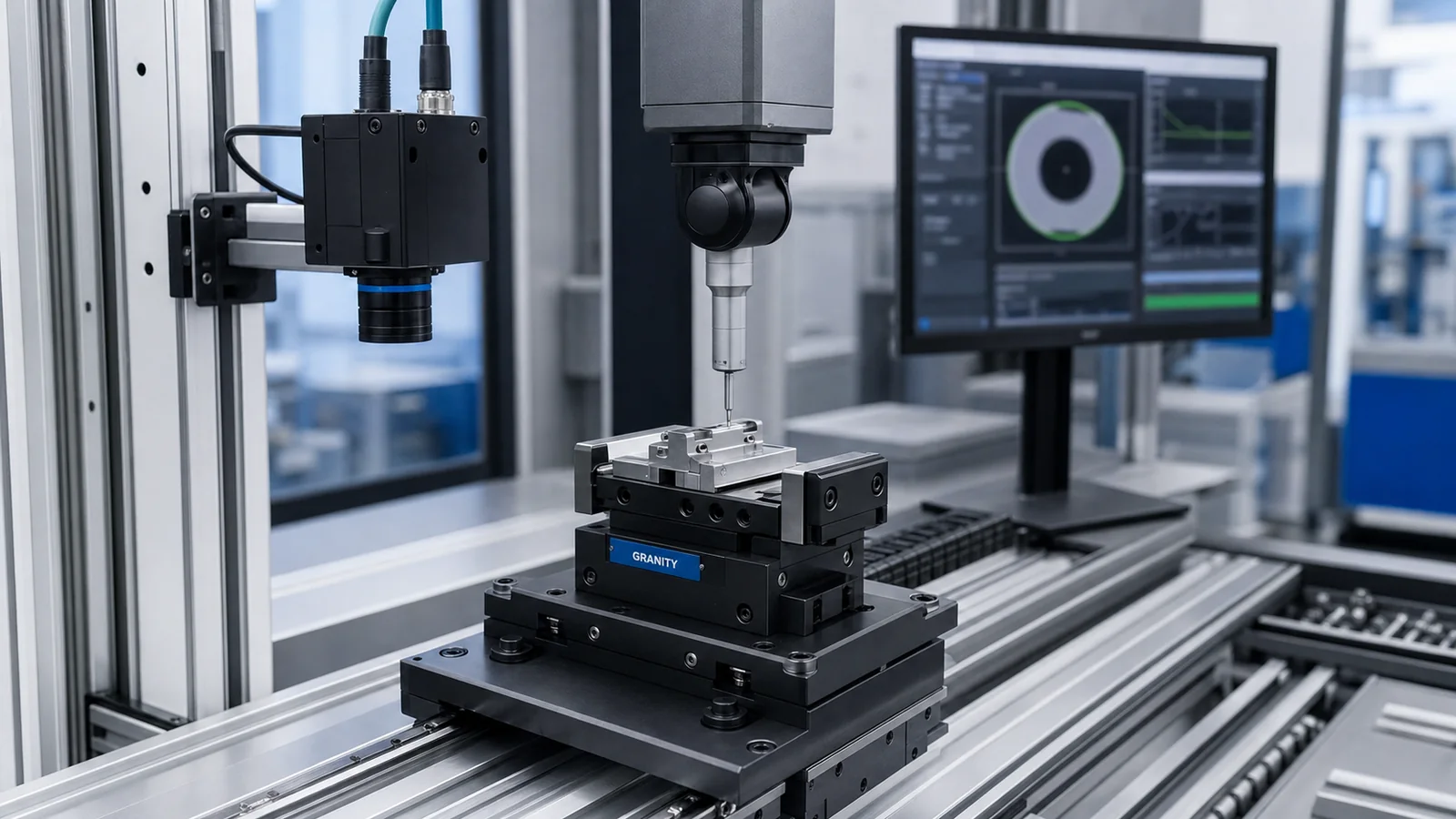
Resource Options
Choose the right resource for your application.
Use this hub to find selection guidance, application notes, CAD resources, FAQ answers and engineering support tied to your application.
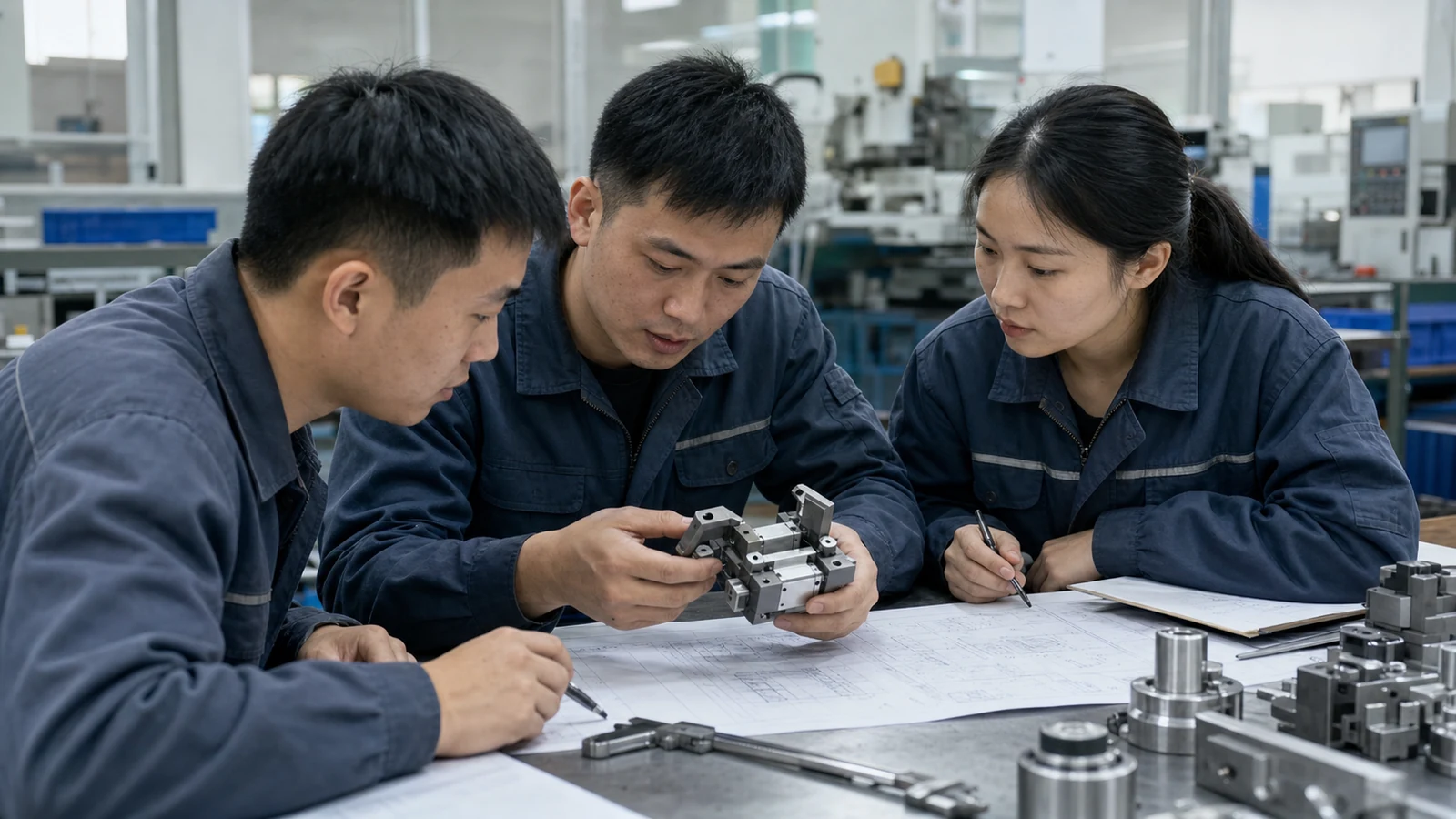
Product Selection Guides
Review workpiece, machine, mounting, motion and operating context before selecting gripping, automation or workholding families.
View selection guides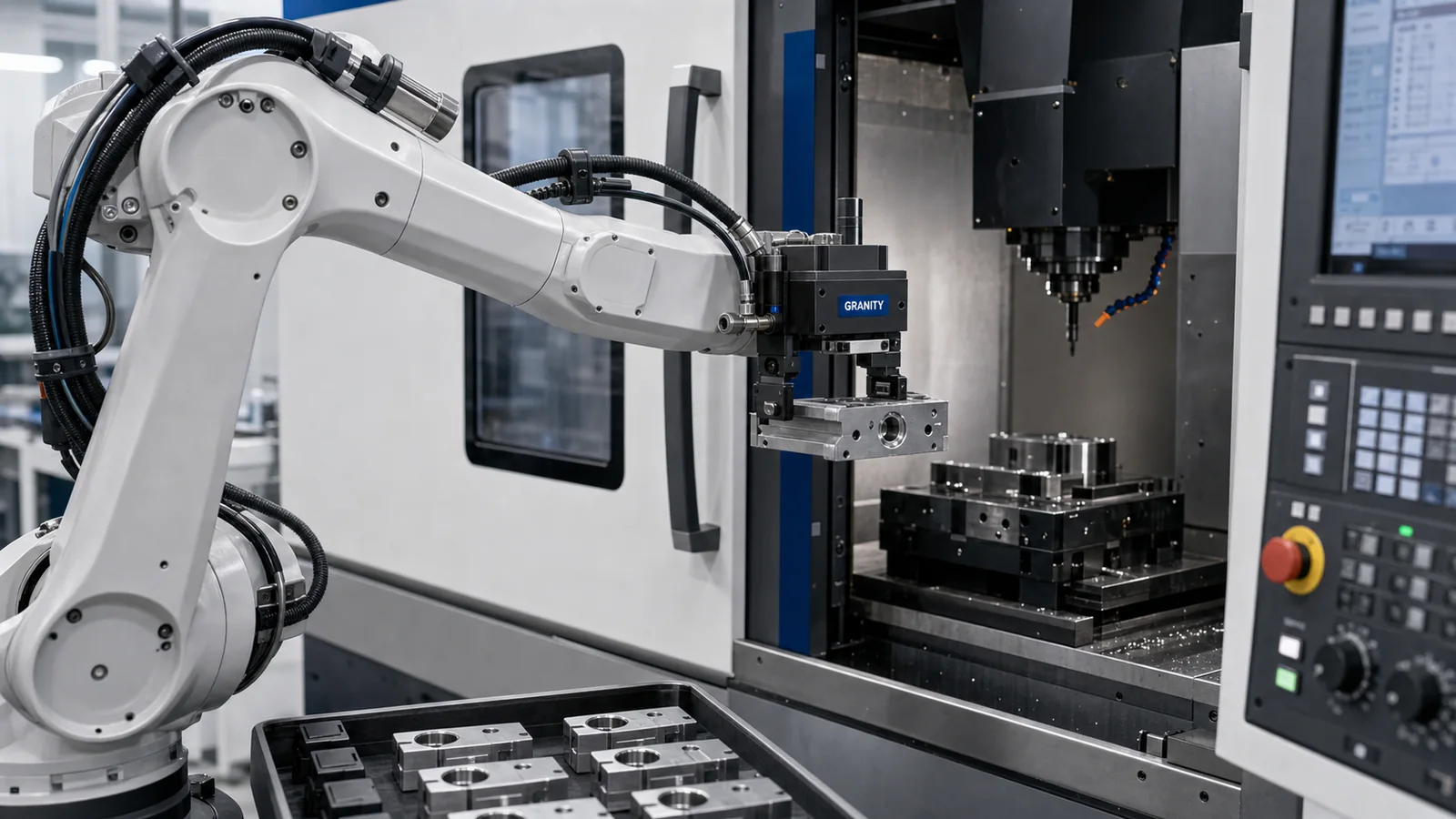
Application Notes
Use manufacturing scenarios such as machine tending, assembly, inspection and fixture changeover to choose the right product family.
View application notes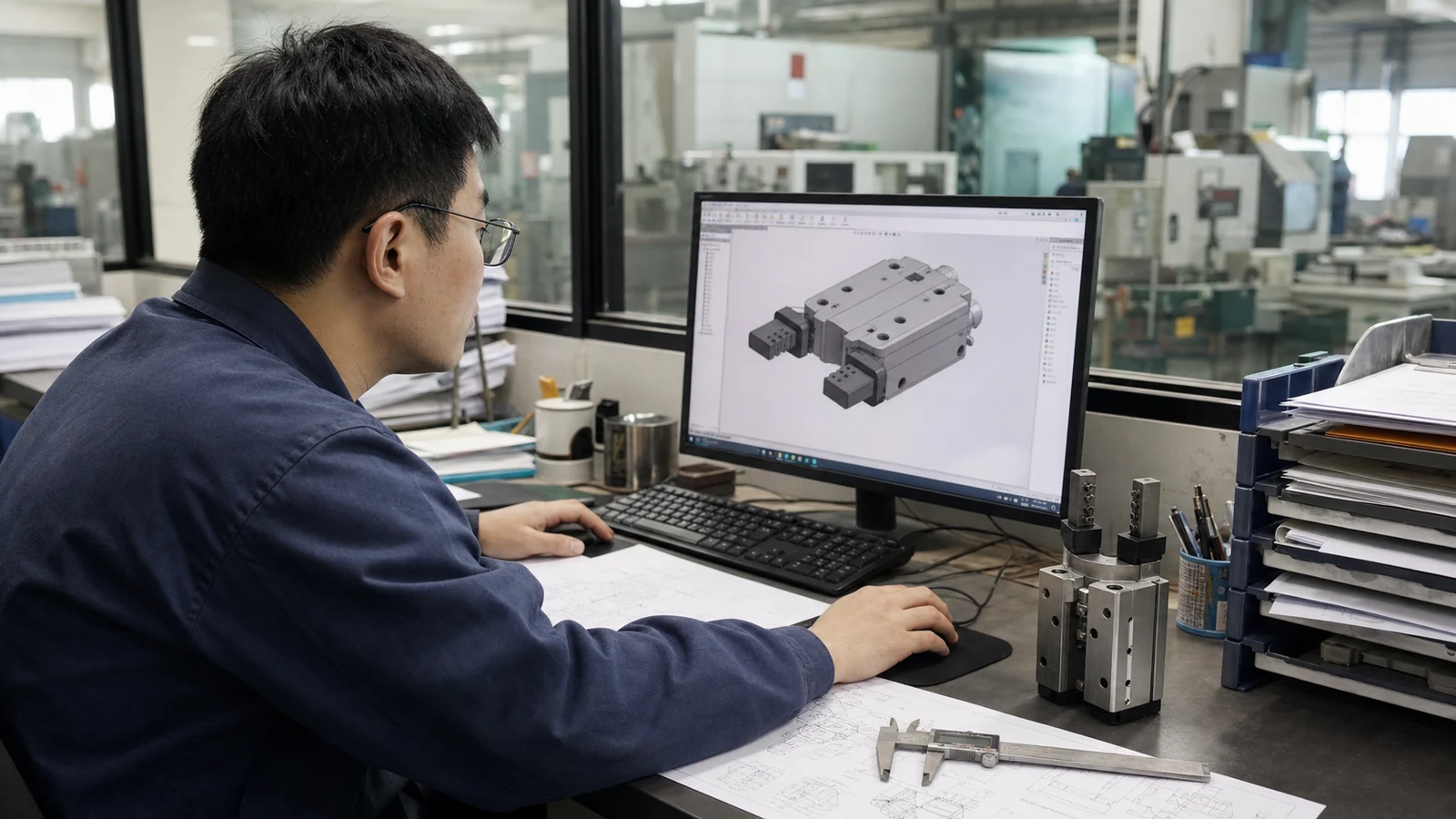
CAD Resources
Request CAD, drawings and datasheets by product family, file type and intended use.
Open CAD Library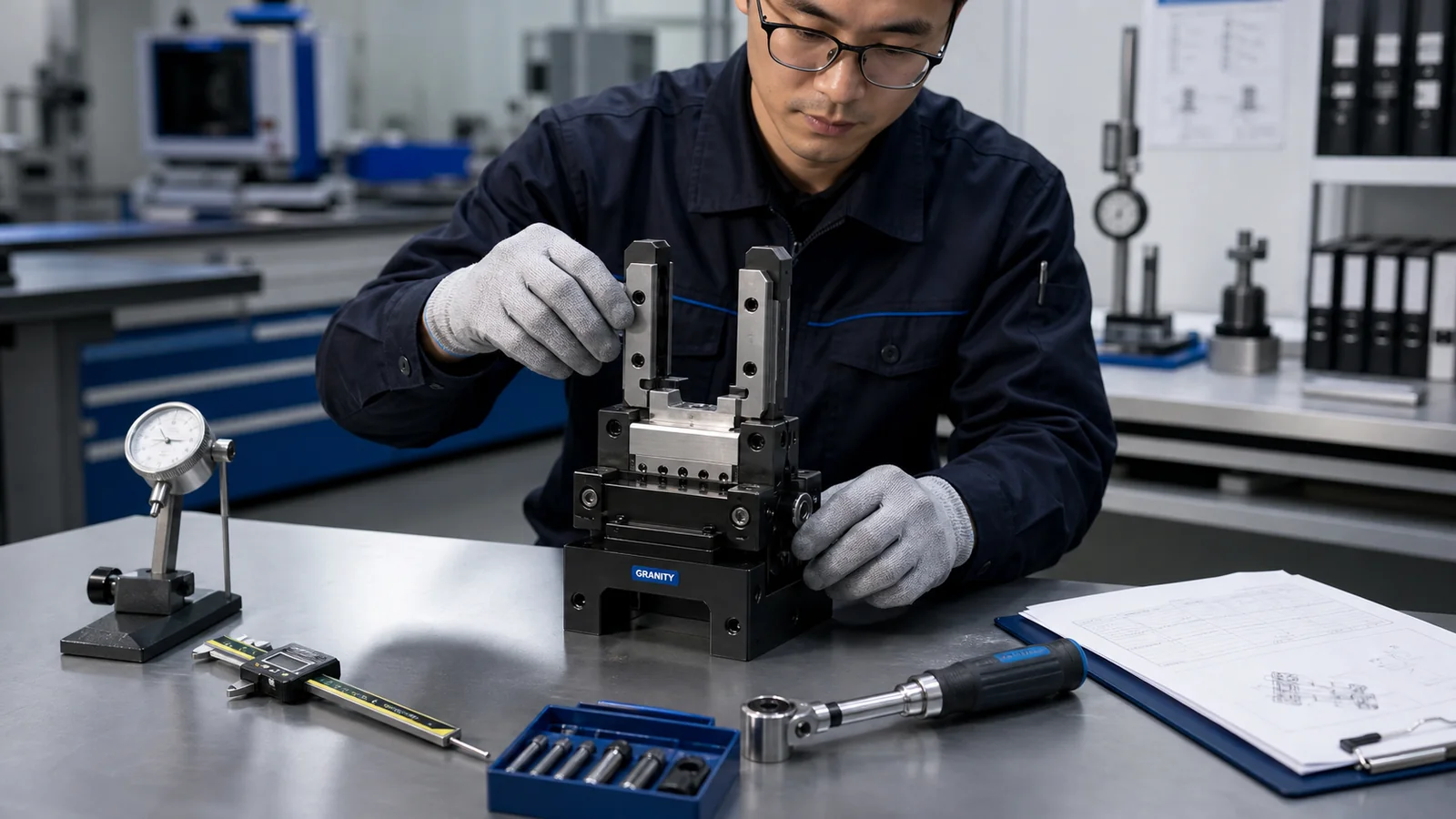
FAQ Center
Find practical answers for product matching, CAD requests and RFQ details.
View FAQ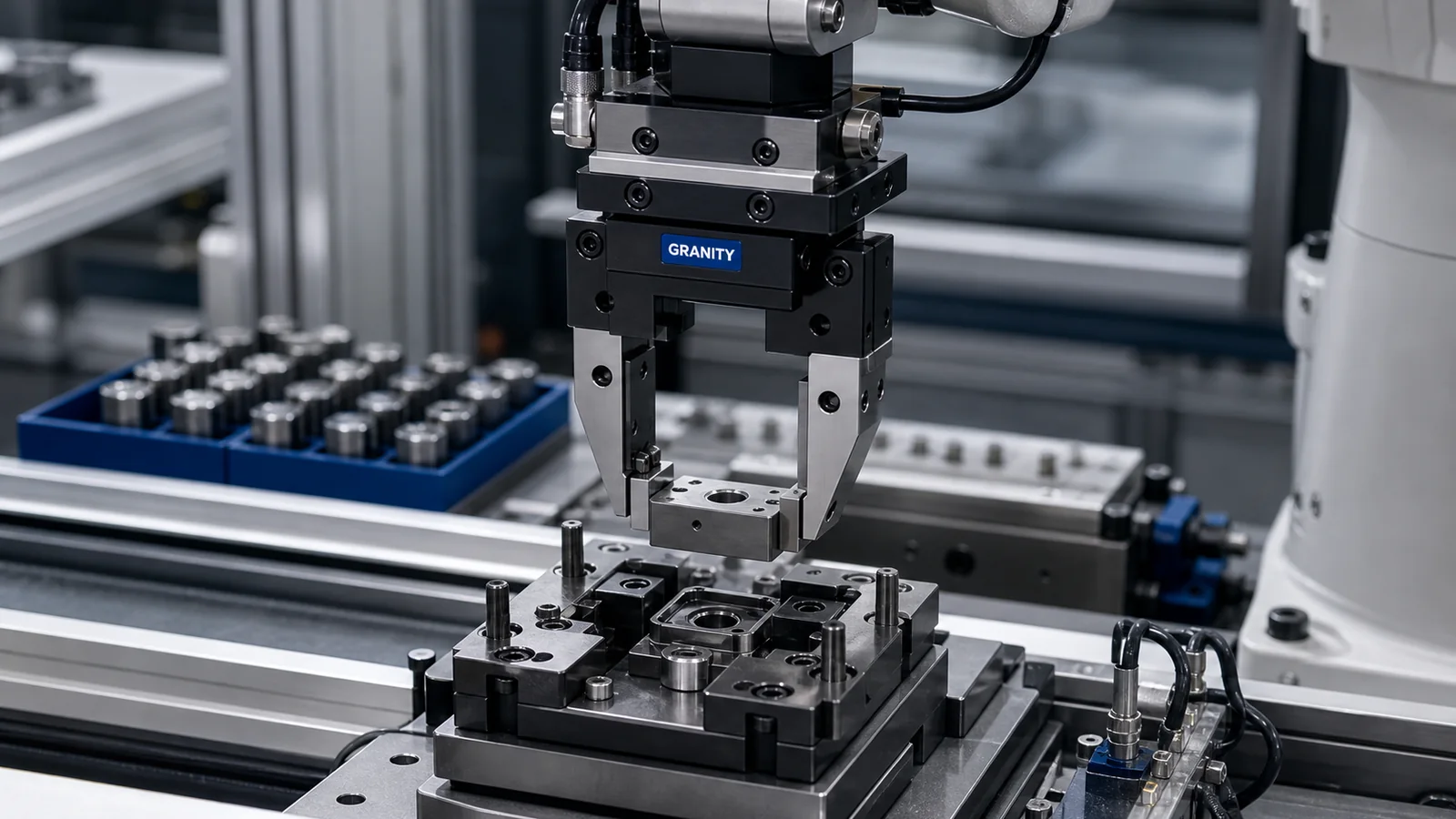
Engineering Support
Send drawings, target models, application photos or operating requirements when selection is not yet clear.
Contact engineering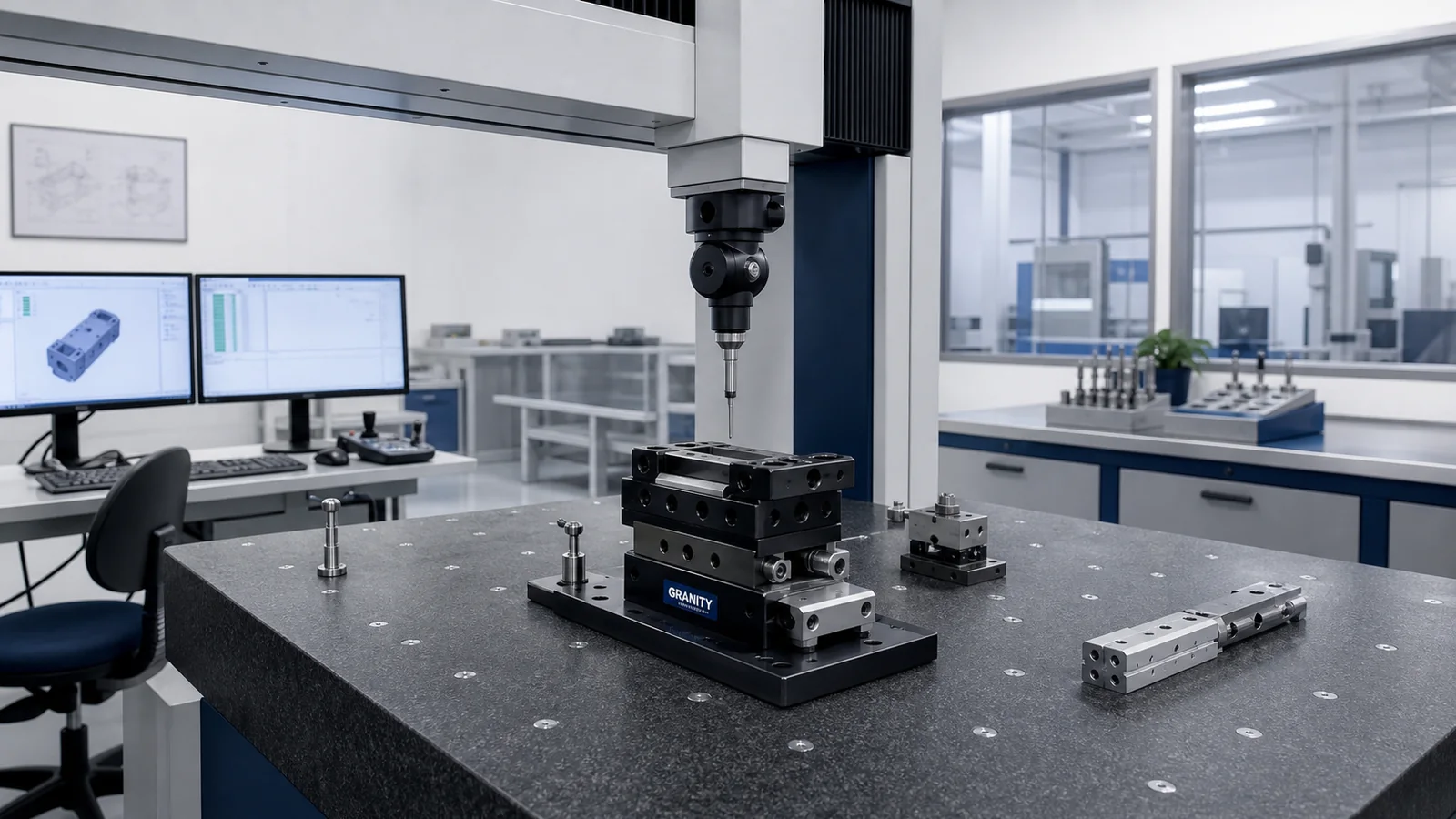
Quote Request
Prepare product interest, quantity, destination, timing and application details for an RFQ.
Request a QuoteApplication Support
Match the right resource to the application.
Use workpiece, machine and process details to choose product guidance, CAD support, engineering help or a quote request.
Workpiece, machine, robot, environment and process requirements.
Gripping, automation or workholding family based on the production task.
Ask for CAD, drawings, datasheets or engineering help when details are needed.
Quantity, schedule and destination details help the sales team respond clearly.
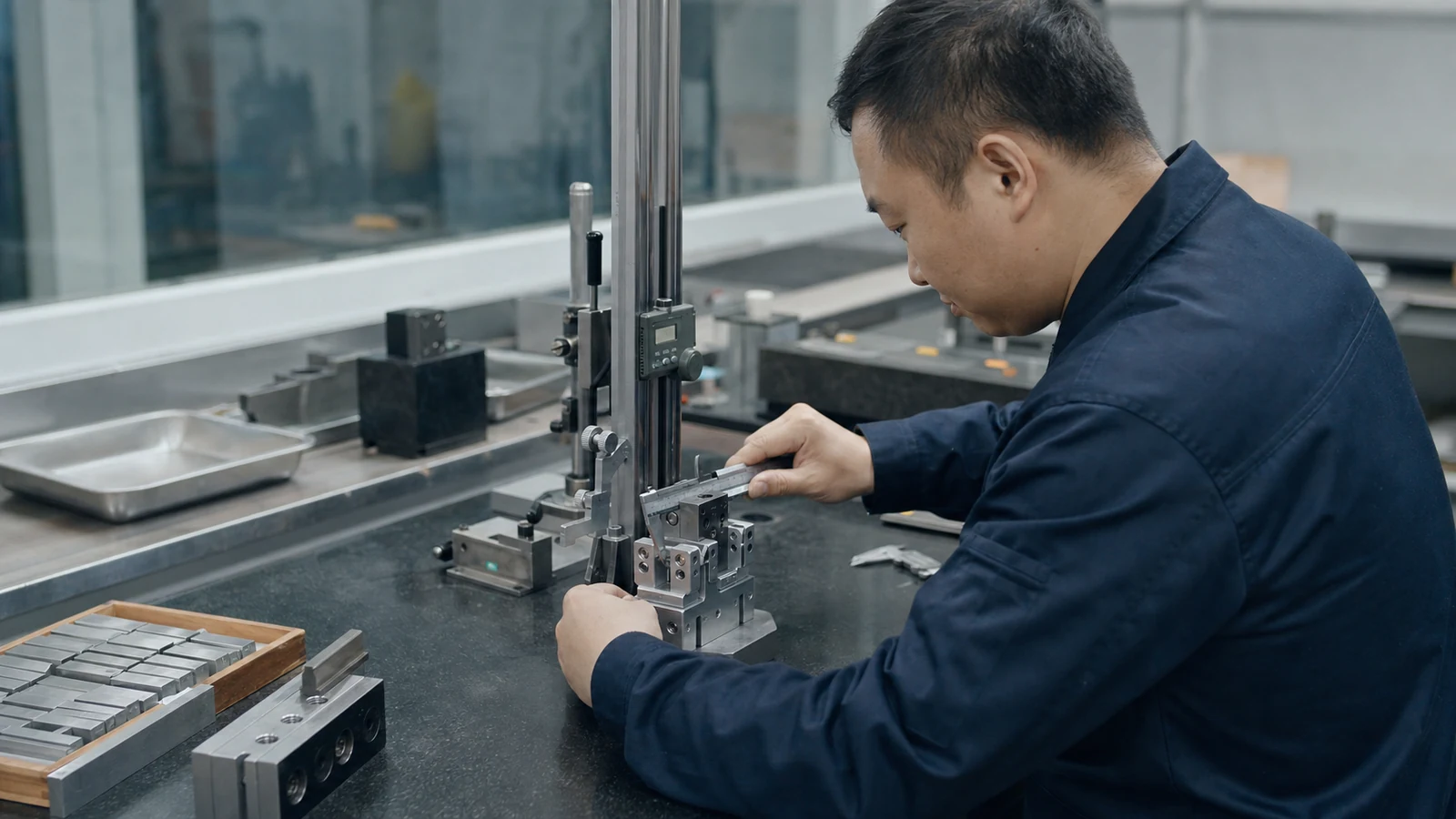
- Use confirmed product data when it is available.
- Send workpiece, machine and process details when product selection needs engineering support.
- Include product family, file type and intended use when requesting CAD or datasheets.
- Include quantity, timing, destination and target use case when requesting a quote.