Gripping CAD
For grippers and end-of-arm tooling. Include workpiece shape, stroke range and mounting orientation.
Request gripping CADCAD Library
Start with the family and file type. Add machine, robot or workpiece details so engineering can confirm the right CAD, drawing or datasheet path.
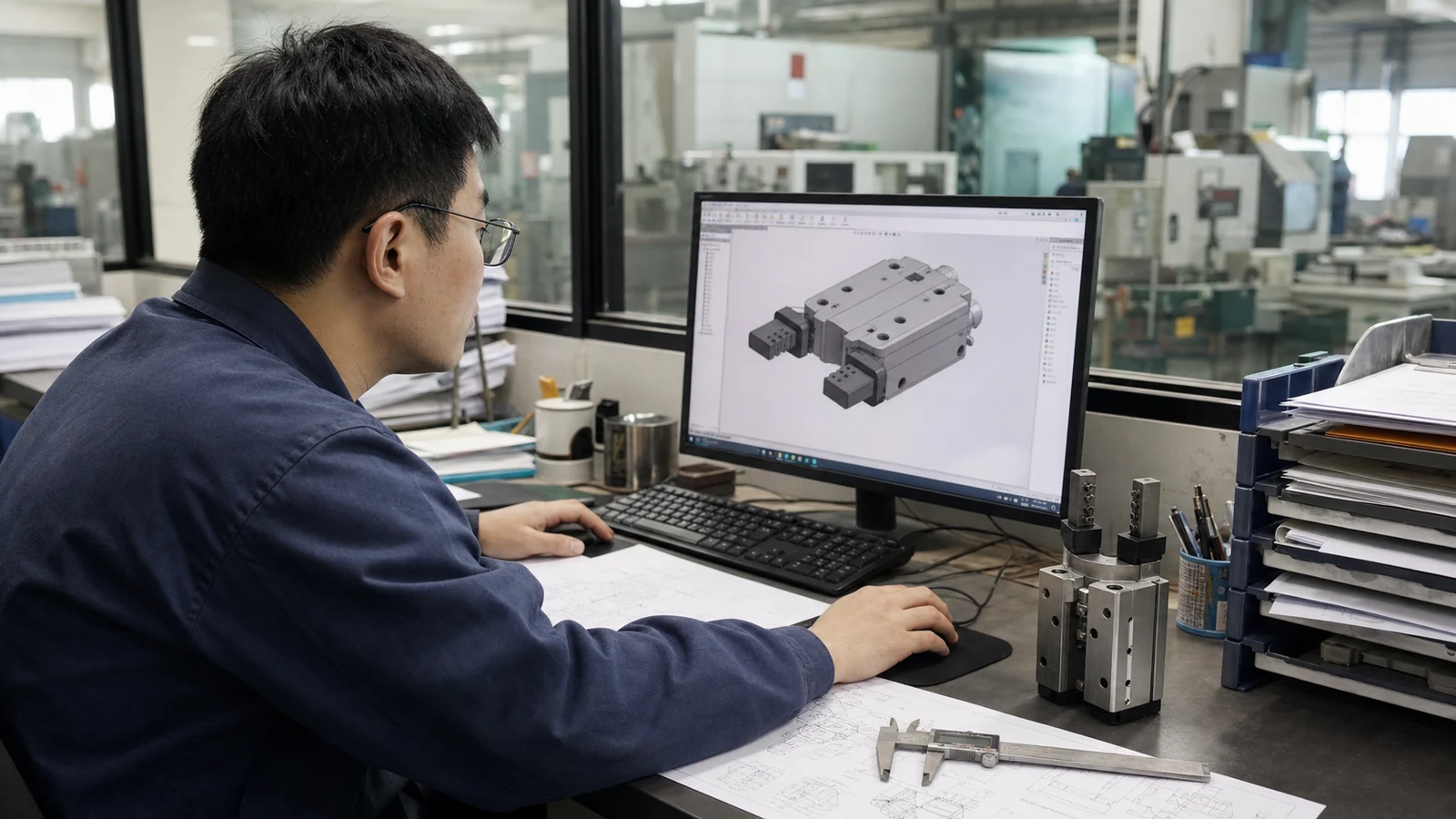
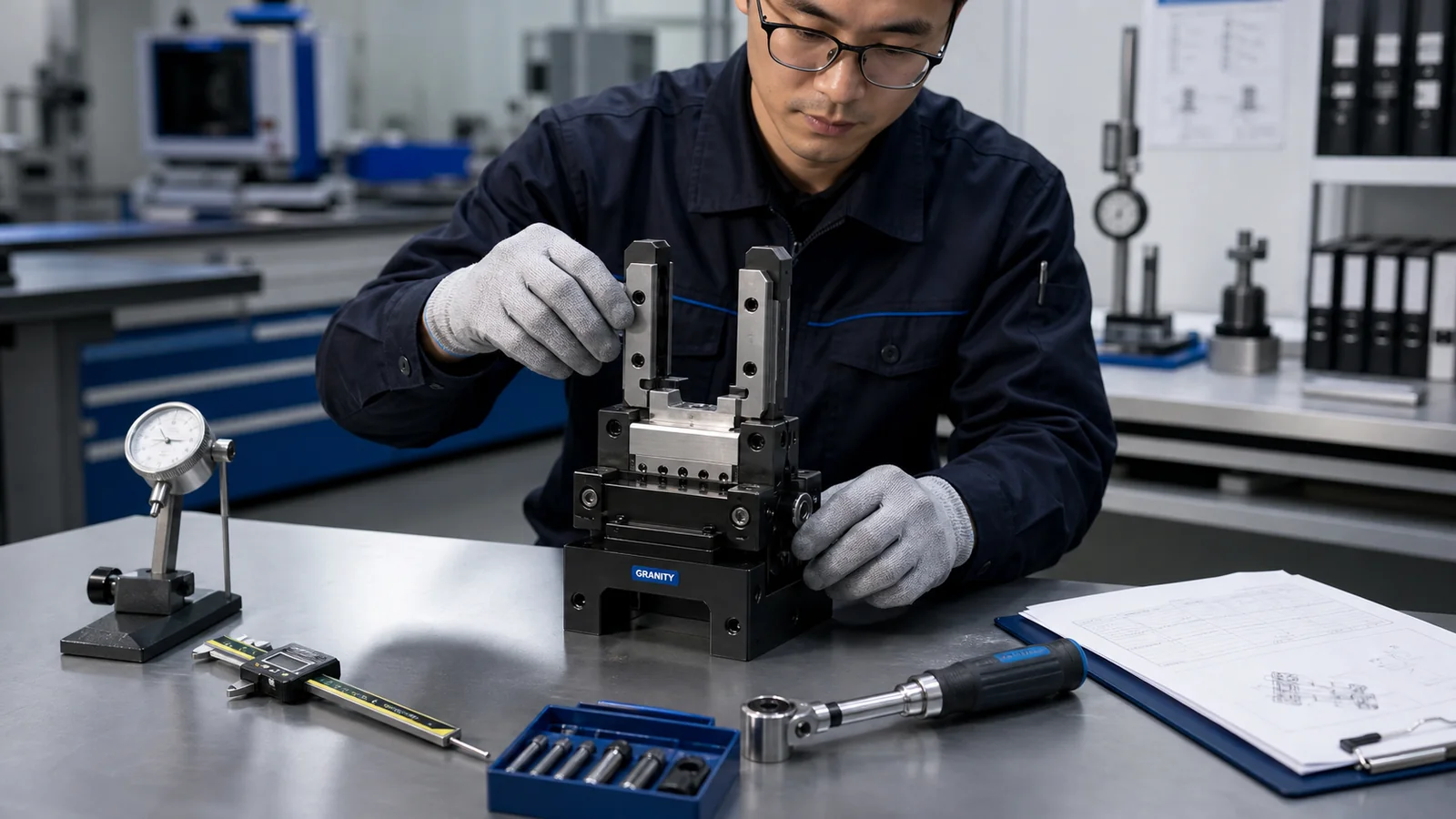
Request Details
Share the family, target model if known, file format and installation context. This helps avoid the wrong model, file format or mounting assumption.
For grippers and end-of-arm tooling. Include workpiece shape, stroke range and mounting orientation.
Request gripping CADFor tool changers, compensation units and interface modules. Include robot, utilities and payload context.
Request automation CADFor zero point systems, clamps and fixtures. Include locating method, machine envelope and setup details.
Request workholding CADAvailable Support
Review CAD support by product family and intended use. If a specific model is not clear yet, start with the application and the file type you need.

When files are available, the response can point to the correct family, format and revision context.
If the model is not clear yet, share the application so engineering can help identify which product family to review first.
Application, quantity and timing help GRANITY prepare CAD support, engineering clarification or quotation information.
Request Checklist
A clear request helps confirm the product family, file type and intended use before a model, drawing or datasheet is shared.
Provide product family, target model or drawing if available.
STEP, STP, IGES, 2D drawing, datasheet or installation manual.
Share robot, fixture, machine, payload or operating requirement.
GRANITY confirms file status and responds with CAD support, engineering clarification or quotation information.
CAD FAQ
These answers help engineers prepare the right CAD or datasheet request.
The public CAD request form does not require a portal login. Include product context, file type and intended use so the correct file type and product context can be confirmed.
Start with product family, application and required file type. Engineering can help narrow the product family before CAD or datasheet support is provided.
Yes. If the request includes quantity, project timing and application details, it can continue into an RFQ.
CAD Request
Include the product family, file type and application details so engineering can respond with the correct resource.