Choose products by application need.
Start with the production task: grip a part, change tooling, locate a fixture or prepare an RFQ.
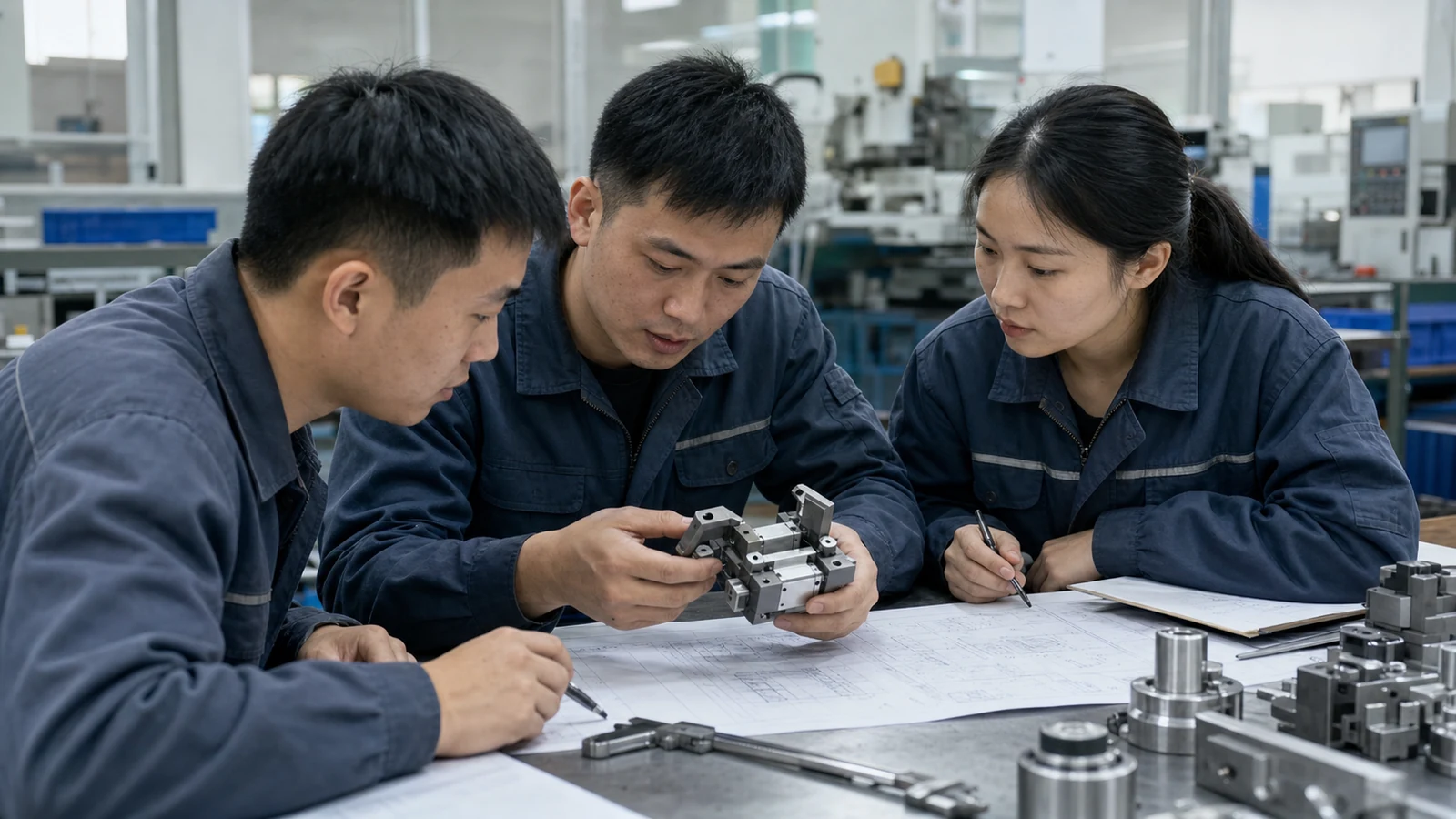
Product modules.
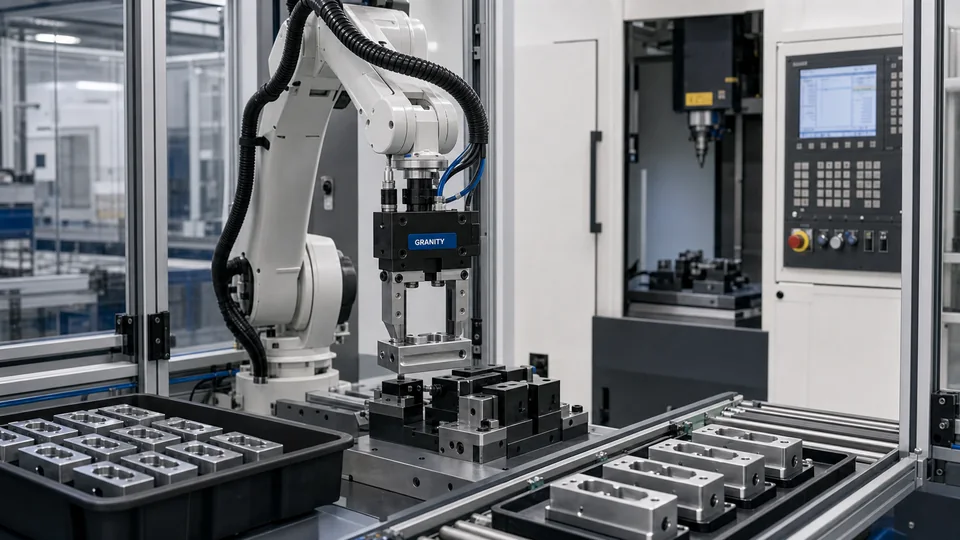
Gripping Modules
For picking, holding and transferring parts in machine tending, assembly and inspection.
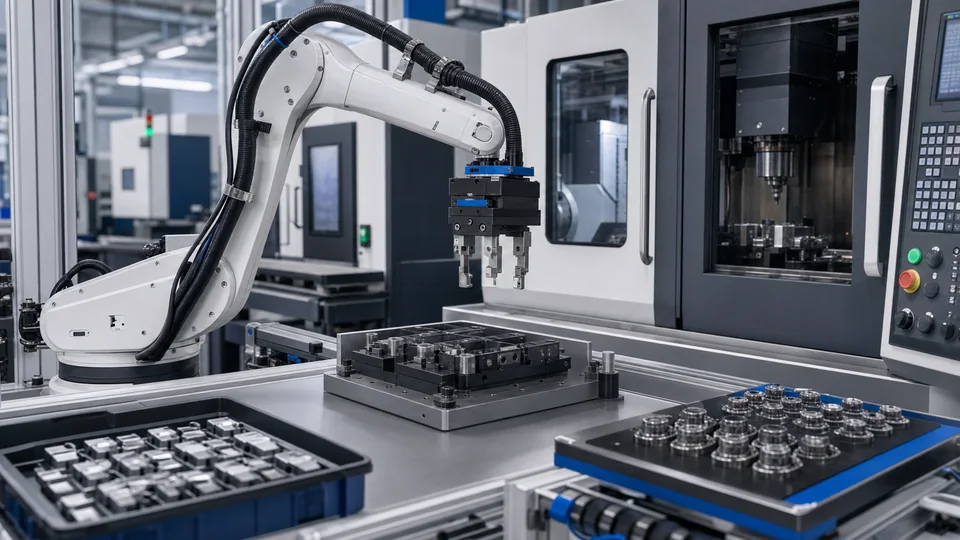
Automation Modules
For tool change, process compensation, rotary positioning and flexible production cell interfaces.
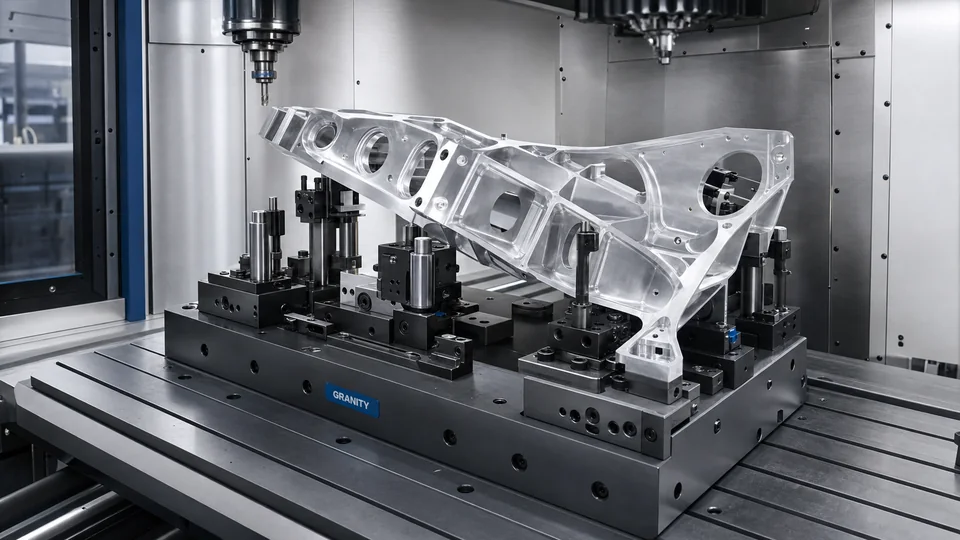
Workholding Modules
For fixture setup, zero point locating, CNC workholding and repeatable changeover.
Use the production task to choose the right product group.
Start with the part, machine, fixture or robot context, then choose the product group and support option that matches the project.
CAD Request
Request CAD support for project evaluation when final product files are not yet available.
Request CAD supportSelection Support
Use engineering review for application fit, product family selection and replacement discussions.
Contact EngineeringRFQ Support
Submit project requirements, volumes and timing so GRANITY can prepare a quotation response.
Request a QuoteNeed help selecting the right product family?
Send your application, target model, drawing or project requirement. GRANITY engineering can review the relevant product family and advise on CAD, engineering support or quotation response.