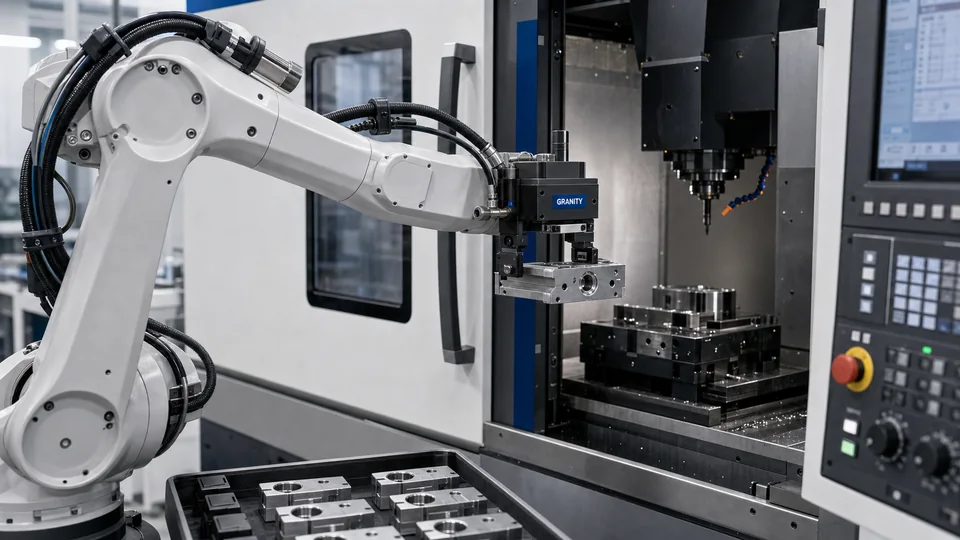
Machine tending layouts
Request CAD when gripper, tool changer or zero point position affects robot reach, machine envelope or fixture access.
Review gripping modulesTechnical Center / CAD Library
CAD requests should include more than a file name. This guide explains what GRANITY needs before confirming CAD, drawings or datasheets for gripping, automation and workholding projects.
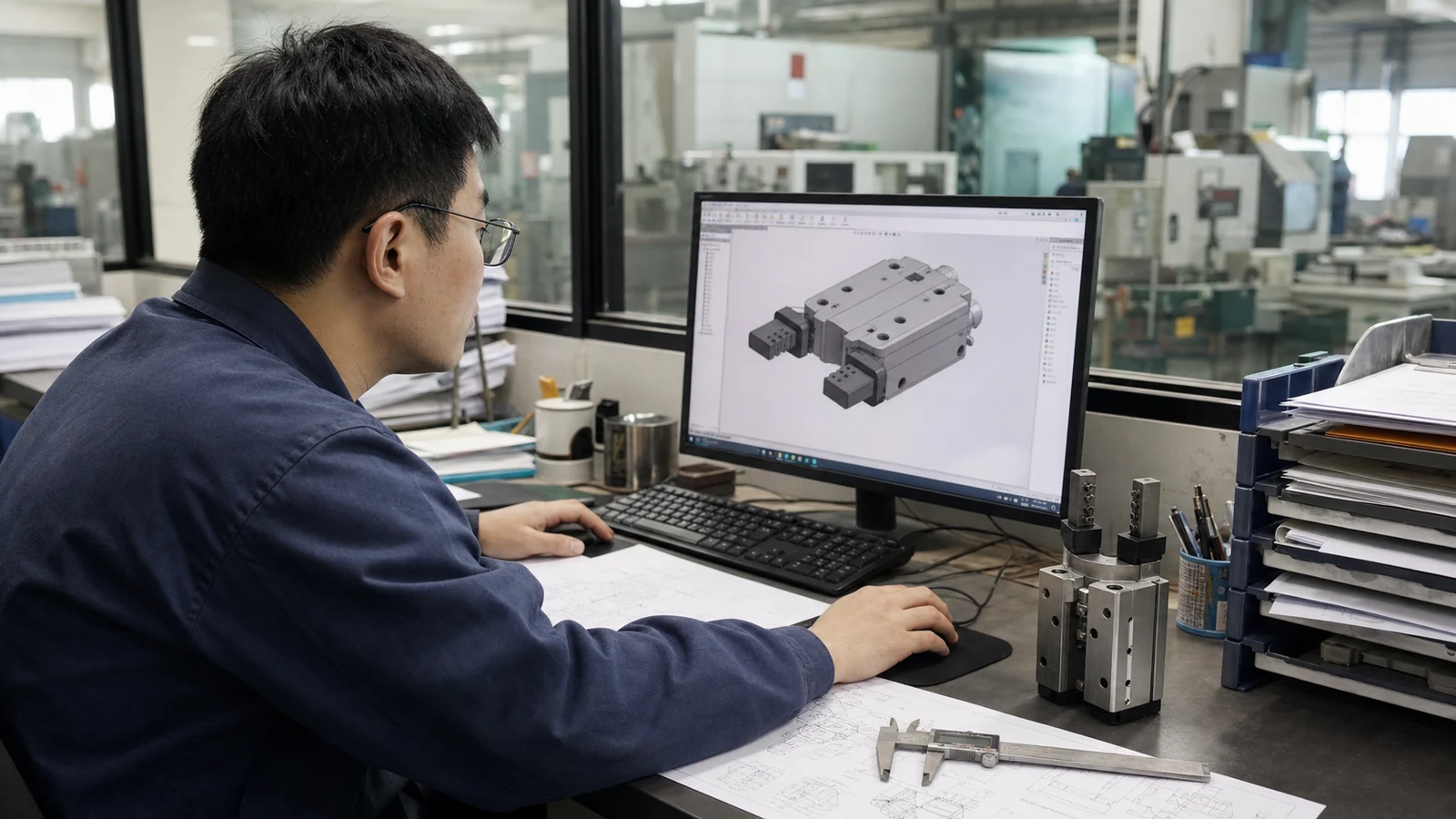
When To Use This Guide
For early layouts, robot cell reviews, fixture concepts and quotation work, GRANITY uses product and application details to confirm the right product family and document type without relying on assumptions.
Request CAD when gripper, tool changer or zero point position affects robot reach, machine envelope or fixture access.
Review gripping modules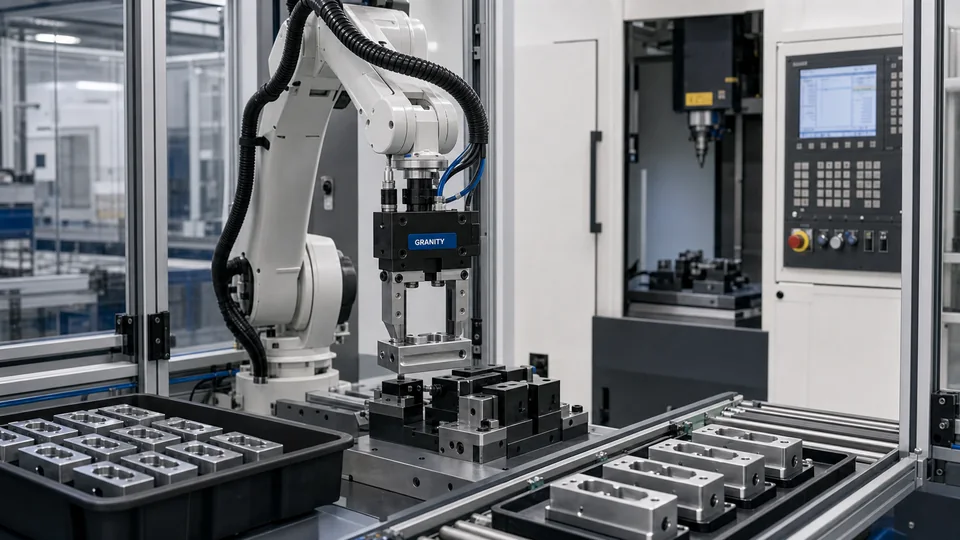
Share robot model, payload target, utility needs and workpiece geometry before selecting automation interfaces.
Review automation modules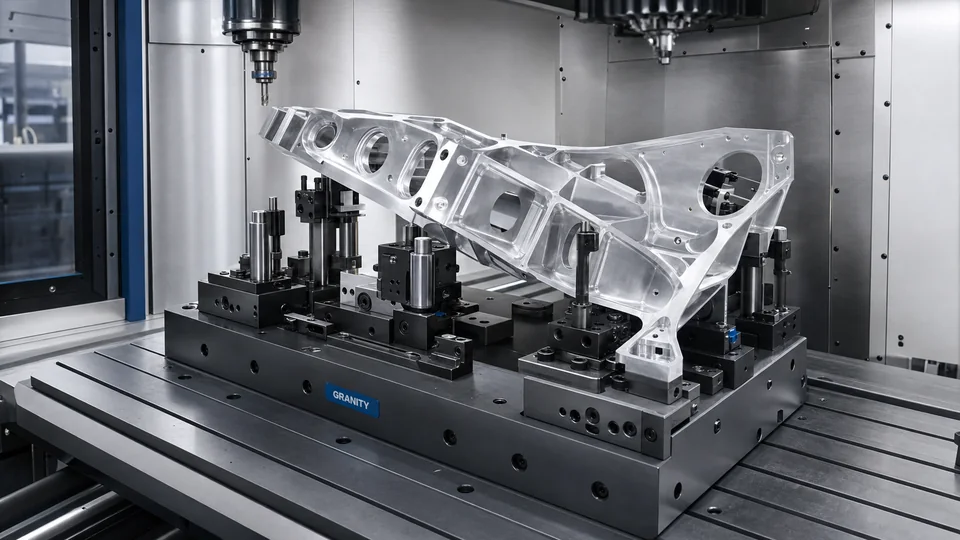
Use CAD and datasheet requests to confirm locating, clamping and setup-change context for workholding families.
Review workholding modulesRequest Checklist
Use the steps below before asking for STEP, IGES, 2D drawings, datasheets or application review.
Gripping, automation or workholding.
Model, series or comparable product if known.
STEP, IGES, 2D drawing, datasheet or manual.
Machine, robot, workpiece and process context.
CAD support, engineering clarification or RFQ.
Browse the public CAD request entry and product-family resources.
Open CAD LibraryPrepare application details before choosing a product family or requesting CAD.
Read selection guidesConnect CAD requests to machine tending, packaging, inspection or fixture scenarios.
Read application notesAsk for help when the CAD request depends on machine, robot or workpiece constraints.
Contact EngineeringSend Request
When the request includes product family, file type and application conditions, GRANITY can prepare CAD support, engineering clarification or quotation details from the same project record.