Request steps
- Capture requested product or series
- Confirm file type and application
- Check available CAD or datasheet resources
- Send missing or restricted files to engineering support
Service
GRANITY provides a structured process for customers to request CAD files, datasheets and technical documents when released assets are available or when engineering review is required.
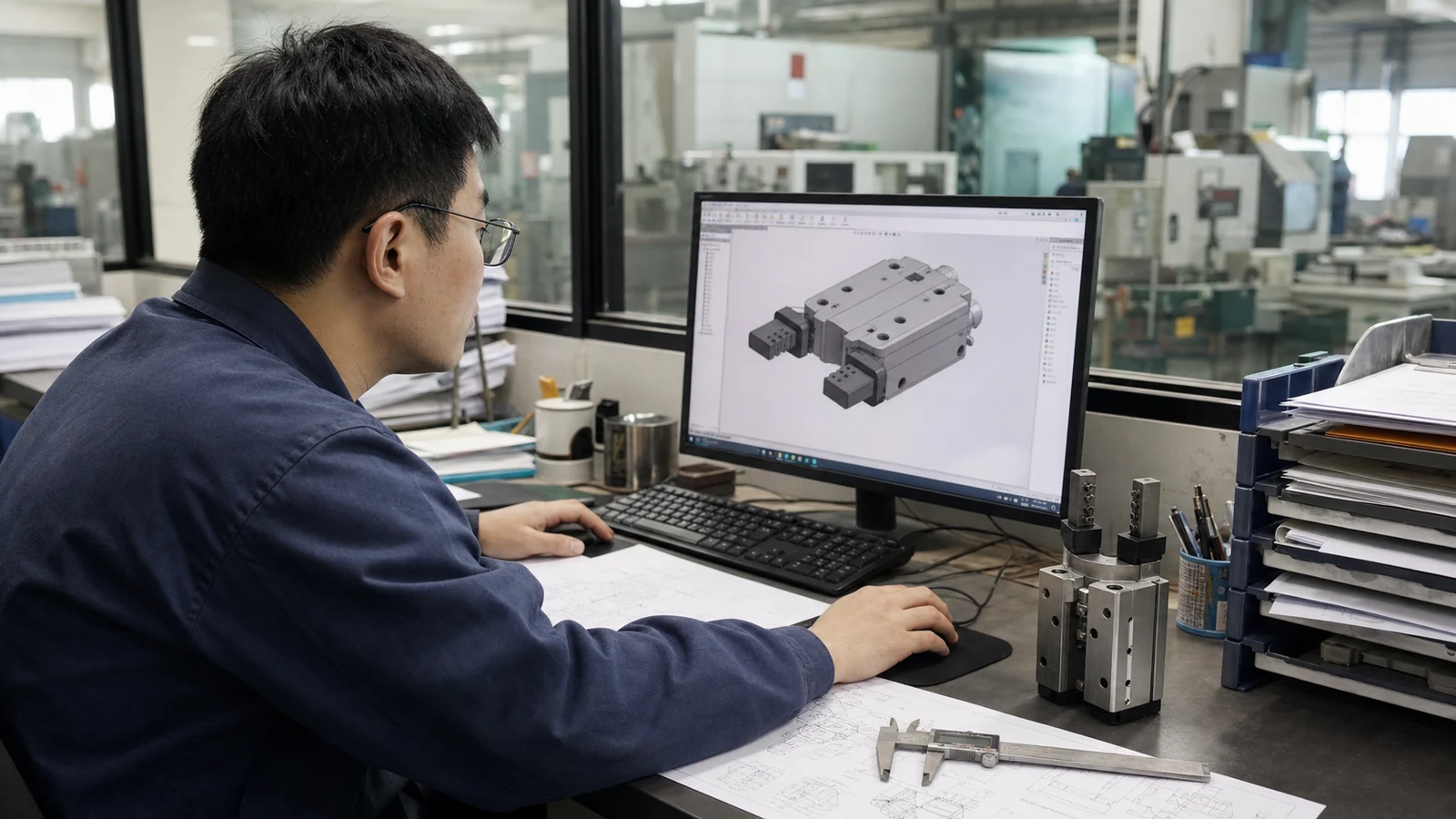
Supports engineering evaluation with the right product family, file type and application details.
Parallel grippers, tool changers, zero point systems and future product families.
Request Package
This lets GRANITY distinguish a simple document request from an application that needs engineering clarification first.
Provide the product family, series, model or comparable reference if known.
Specify STEP, IGES, 2D drawing or datasheet and explain whether it supports layout, approval or purchasing.
Include the robot, machine, fixture or workpiece context, plus the project stage and required date.
What Happens Next
The requested family and intended use are checked before a file is selected.
GRANITY confirms whether the required CAD, drawing or datasheet path is available.
The response provides the supported asset path or asks for engineering details needed to continue.
When the exact model is not known, start with the family, machine and design decision so engineering can help narrow the request.