Project inquiry
Capture the company, manufacturing task, product direction and required support.
Engineering Process
GRANITY keeps product selection, CAD, technical clarification and quotation work connected to the same application context. The process helps customers understand what to prepare, when engineering should be involved and what the next decision will be.
Seven Connected Steps
Not every request needs all seven steps. The sequence shows how an early question can progress without losing the original application, machine, workpiece or commercial context.
Capture the company, manufacturing task, product direction and required support.
Review the workpiece, machine, environment, motion and operating condition.
Identify constraints, missing information and risks that can change product direction.
Narrow the path to gripping, automation-interface or workholding families.
Confirm the target model, required file type and available engineering records.
Connect the product direction to quantity, timing, destination and project stage.
Continue clarification, documentation and next actions through one project thread.
Three Starting Points
Choose the route that matches the current question; the project can move to the other routes as details become clearer.
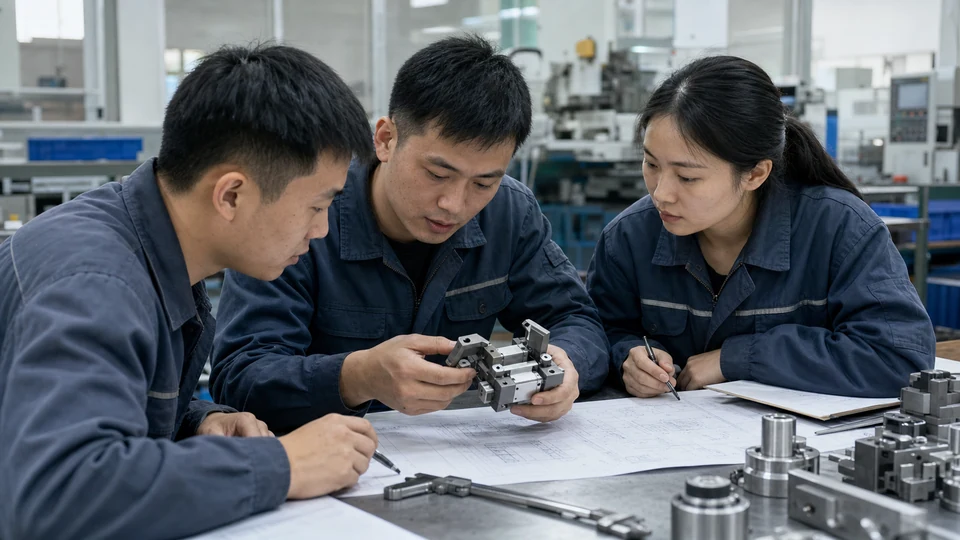
Start with Engineering Support when the task is known but the correct family, interface or constraint is not.
Use engineering review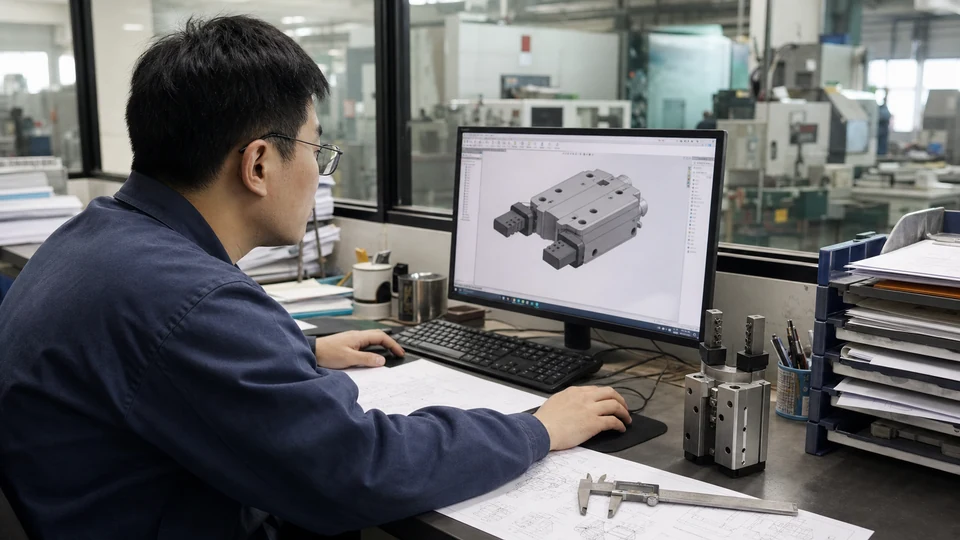
Start with the CAD request when the family or model is known and layout or approval depends on a drawing or datasheet.
Use the CAD route
Start with the RFQ route when product direction, quantity, destination and target timing are clear enough for review.
Use the quote routePrepare Once
Start the Process
If product fit is uncertain, begin with engineering. If the product and commercial details are ready, begin with the RFQ. Both routes keep the project information connected.