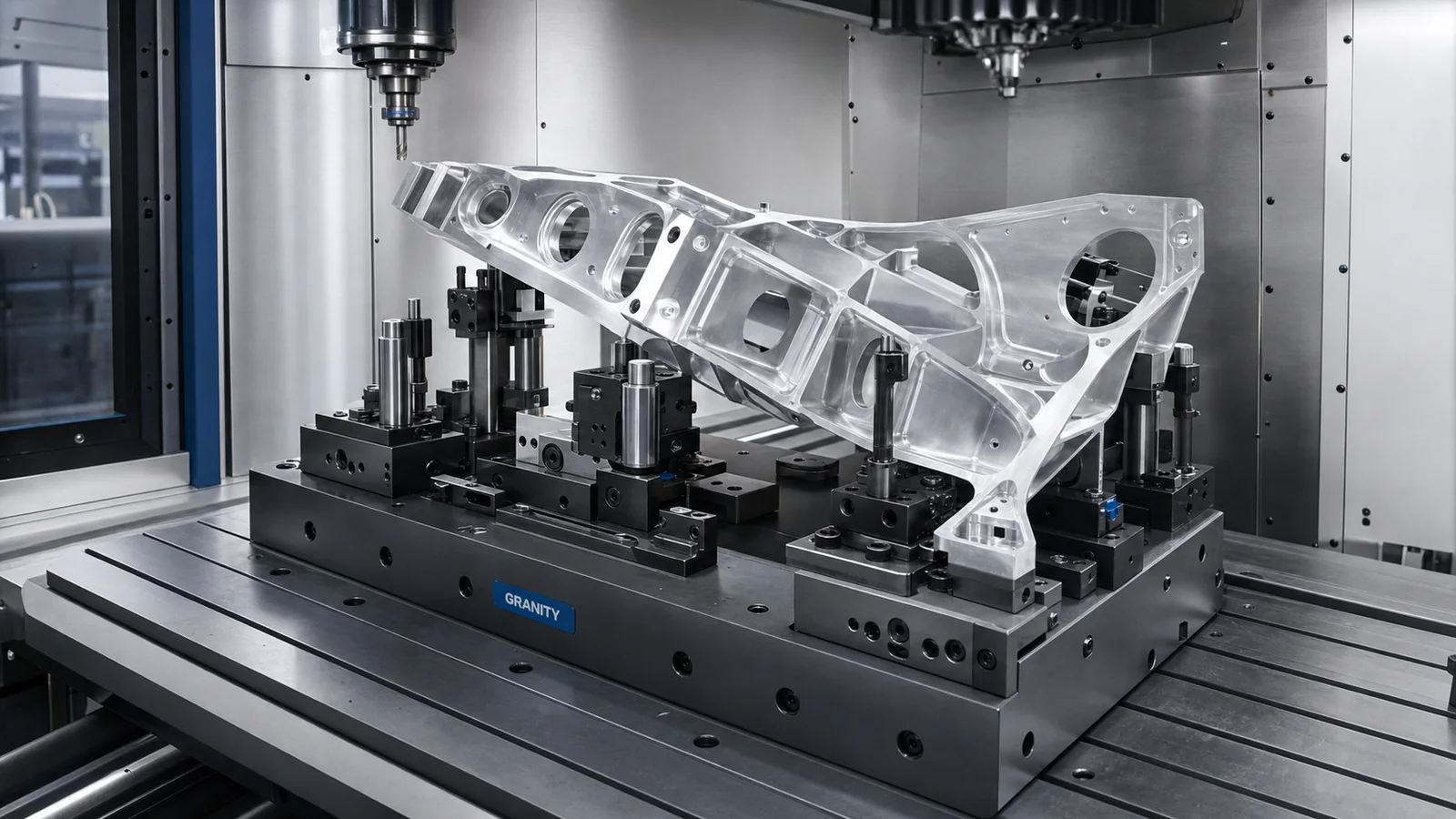
Supports fixture and CNC workholding needs
Supports fixture and workholding discussions while clamp requirements are confirmed through engineering review.
Workholding Technology
Clamping components for repeatable fixtures and CNC workholding.
Application Relevance
Review geometry, material, load, interfaces, environment and cycle requirements before final product selection.
Overview
Workholding clamps support part location and holding in machining, assembly and inspection workflows. GRANITY structures this family for fixture review, technical request handling and quotation support.
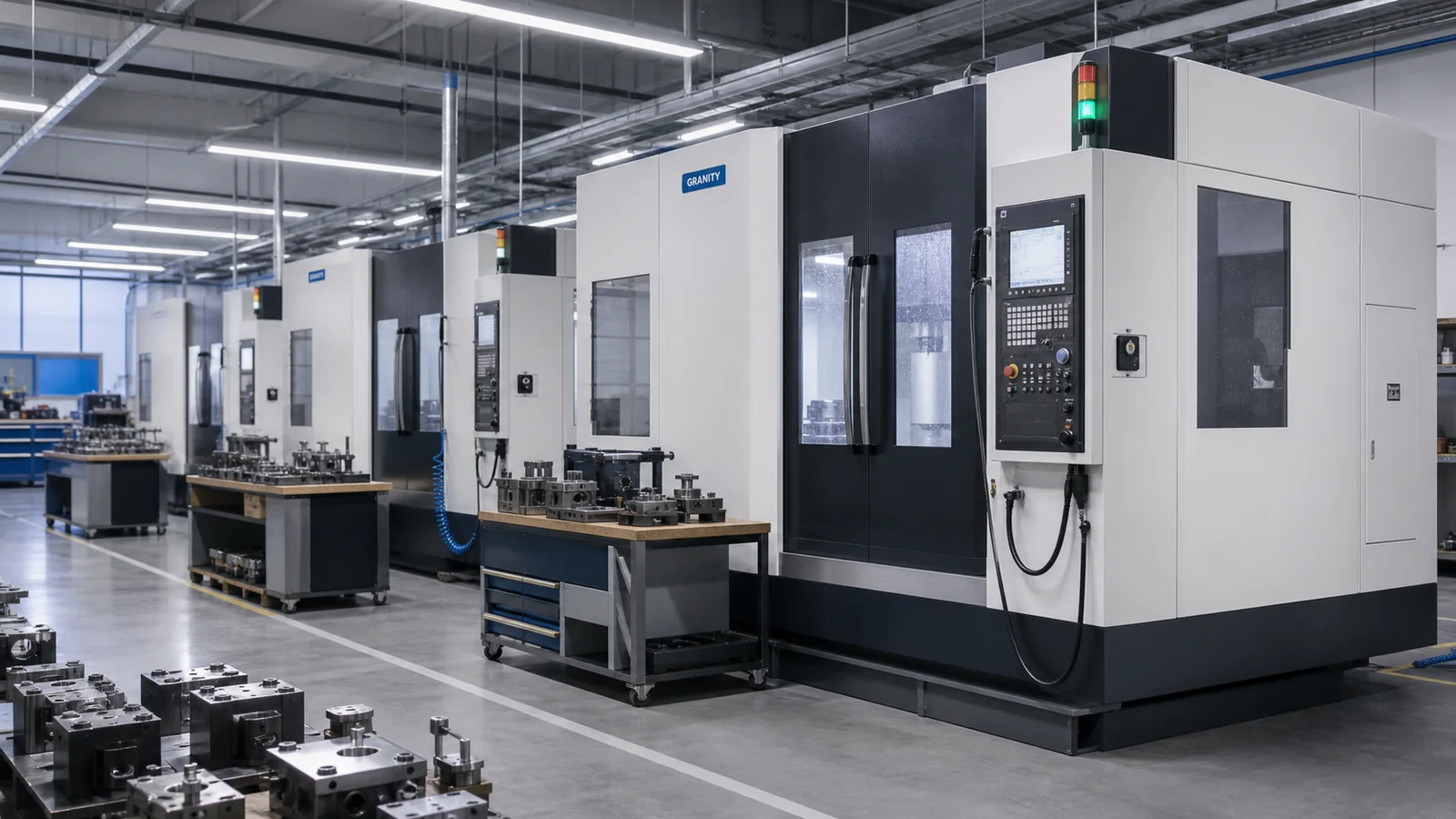
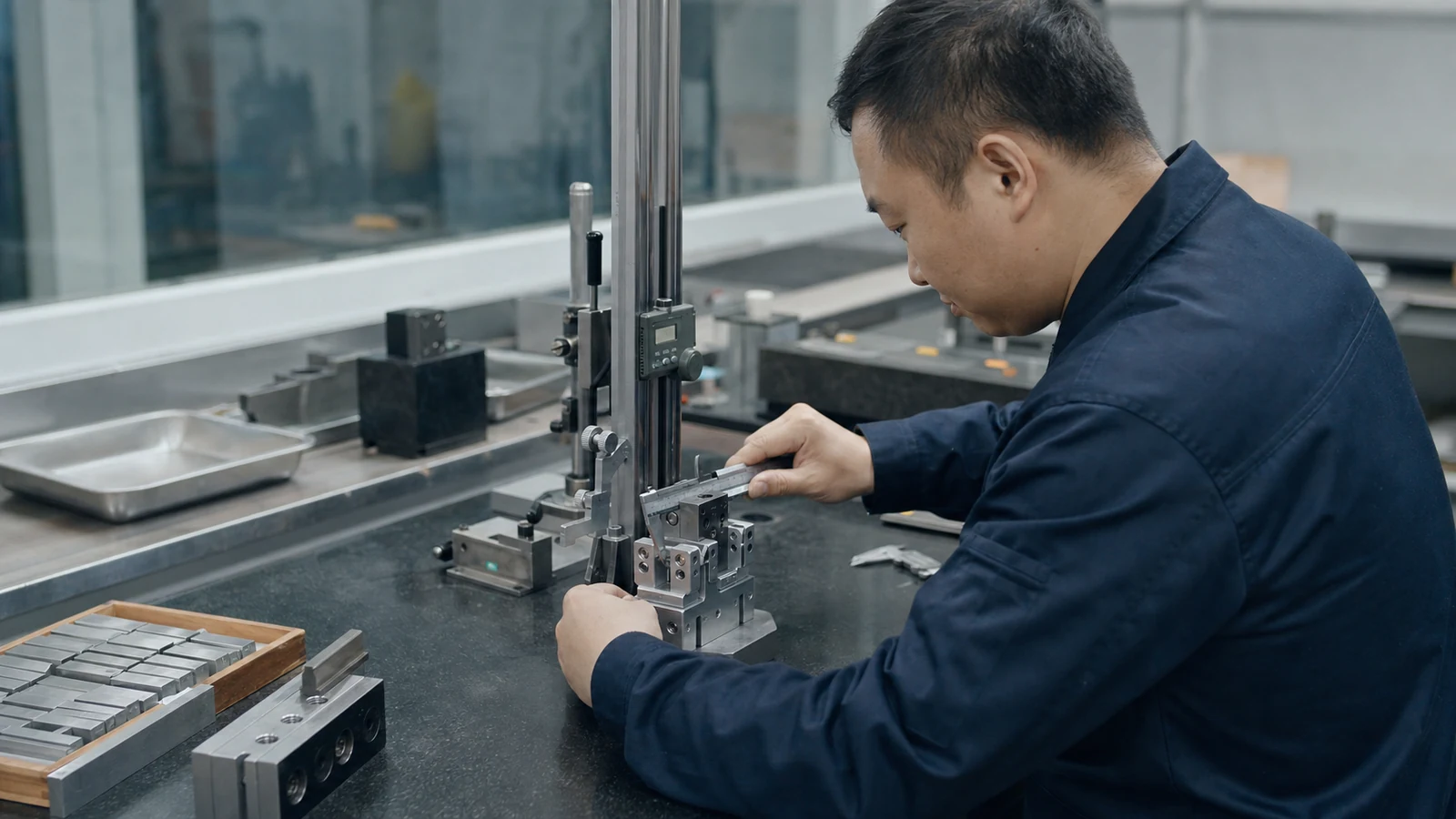
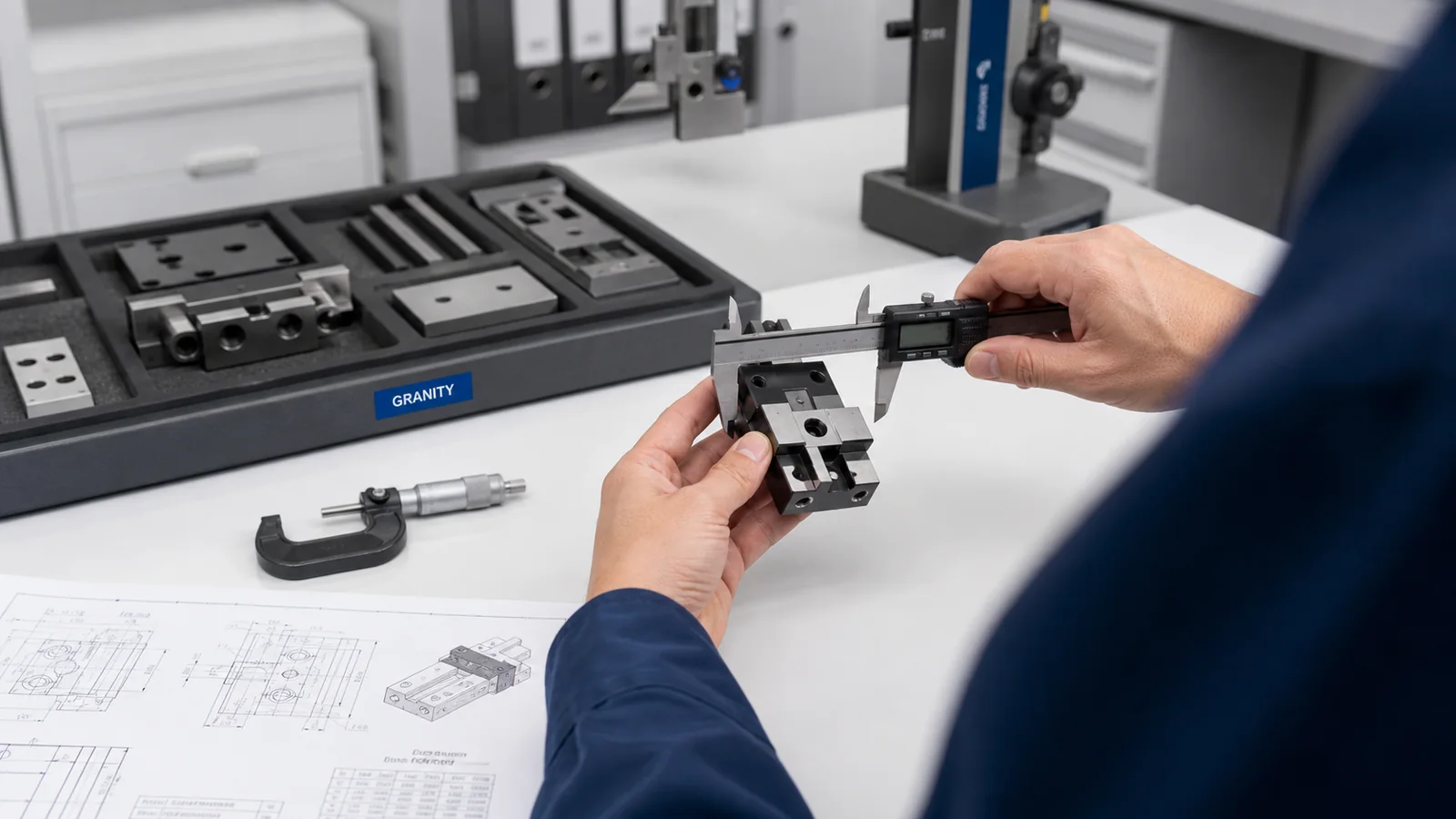
Application Visuals
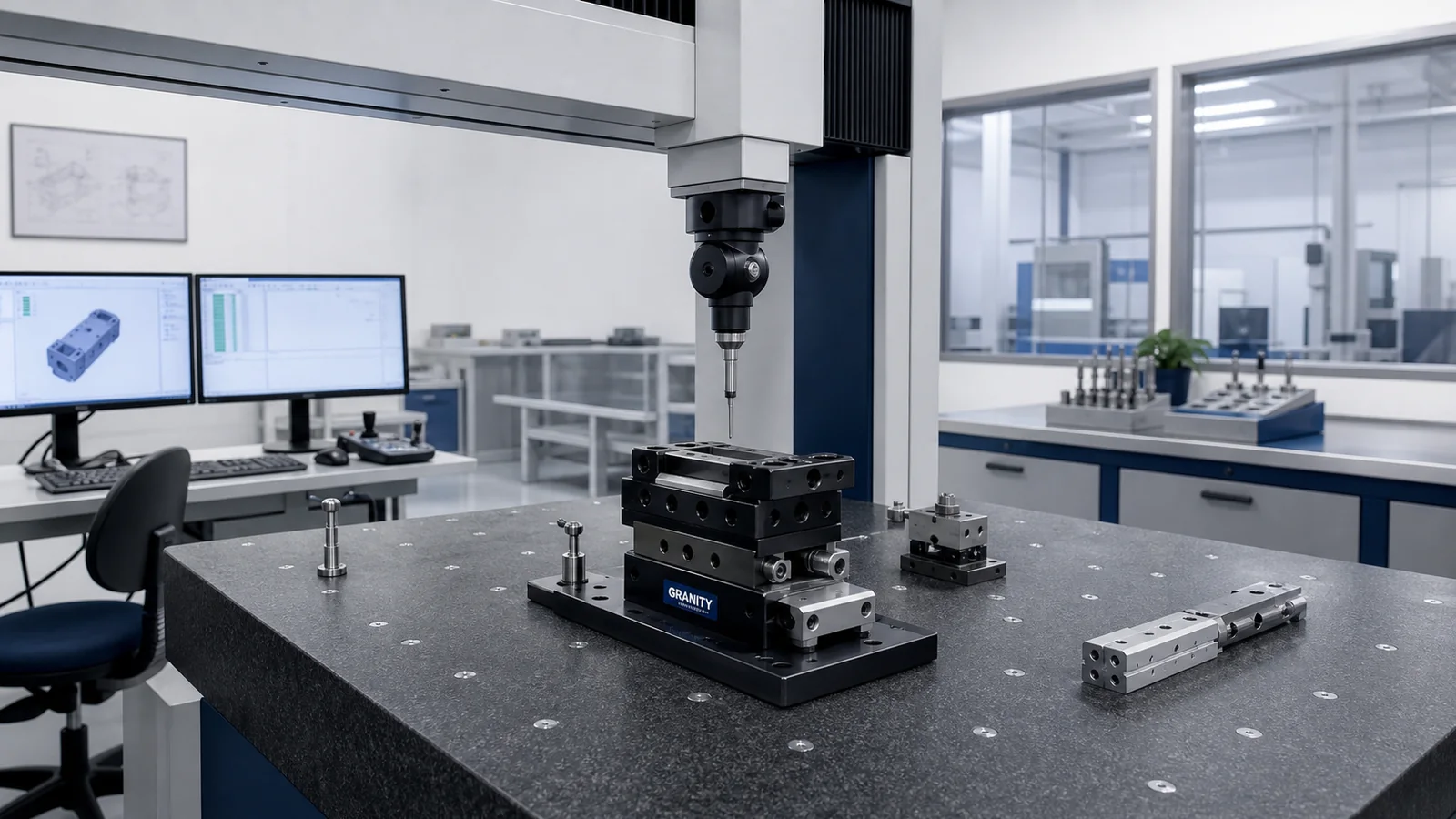
Use these scenes to compare the production task, workpiece access and information needed before CAD, engineering support or quotation.
Key Advantages
Supports fixture and workholding discussions while clamp requirements are confirmed through engineering review.
Connects part support, clamp direction and machine interface review before CAD or drawing review.
Helps fixture builders discuss access, chip exposure and serviceability early.
Pairs CAD and datasheet requests with engineering review so requested files match the fixture concept.
Applications
Confirm clamping direction, fixture access, workpiece support and machining forces before selecting a clamp path.
Share fixture drawings and machine envelope so engineering can review clamping clearance and installation context.
Clarify whether the clamp supports machining, assembly, inspection or holding during transfer before requesting CAD.
Use part geometry and process force direction to decide which workholding family should be reviewed first.
Selection Factors
Detailed model data is currently under engineering review. Contact our engineering team for project support.
Application Review
Share workpiece, machine, robot, fixture or interface details so GRANITY can help narrow the product family and support option.
Project Support
CAD and Datasheets
CAD models, datasheets and detailed model information can be requested when the product family, file type and application details are clear.
FAQ
Yes. Send drawings, target models or application details and GRANITY will connect you with engineering support.
CAD and datasheet requests are supported through engineering review. Send the product family, target model or application details so the response can stay specific.
Yes. Submit the application, quantity, country and timeline through the RFQ form so GRANITY can review the quotation request and required technical data.
Related Product Families
Use this adjacent family when the application changes direction, interface or workpiece geometry.
Review product familyReview this option when the same project may need a different motion, holding or tooling option.
Review product familyUse guides, selection resources and application notes before form submission.
Open Technical CenterShare your application details, target model, drawing or project timeline. GRANITY can review the fit and respond with CAD, engineering support or quotation guidance.